Workflow
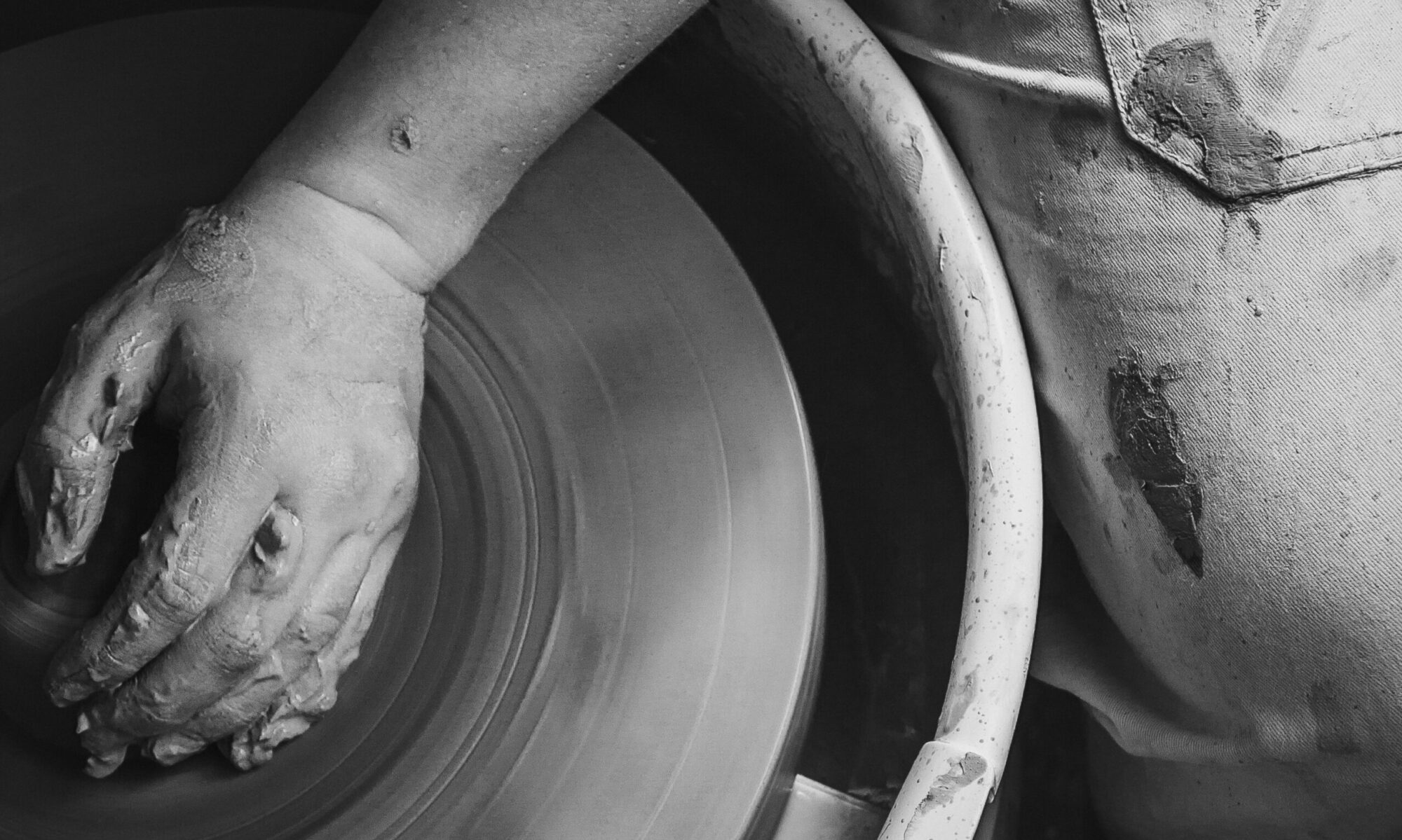
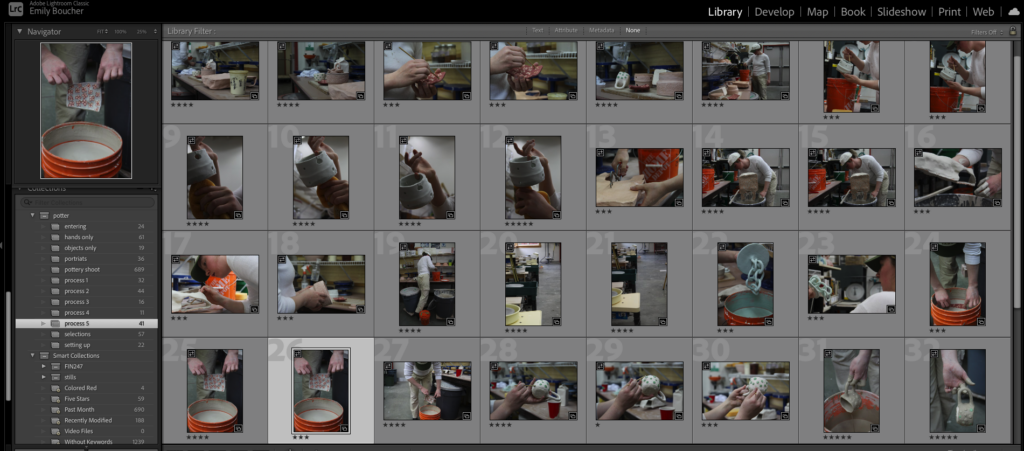
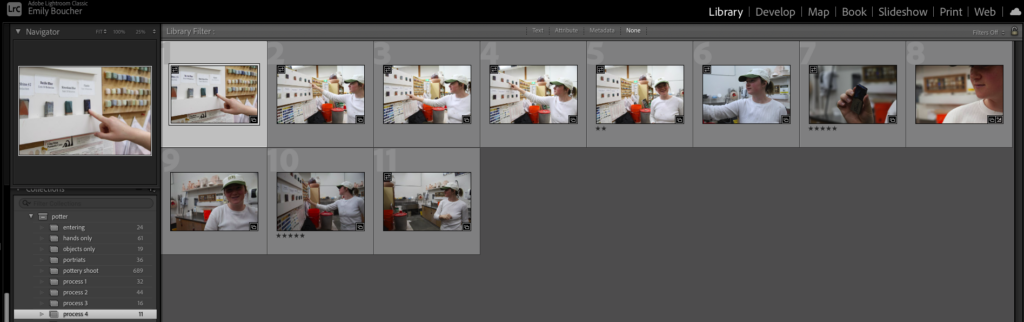
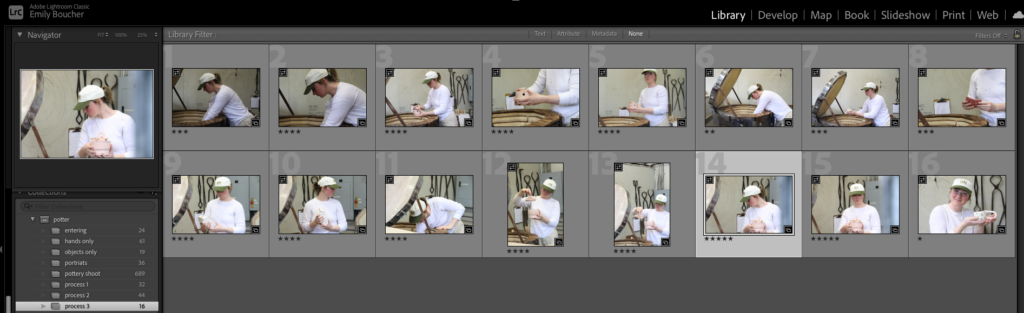
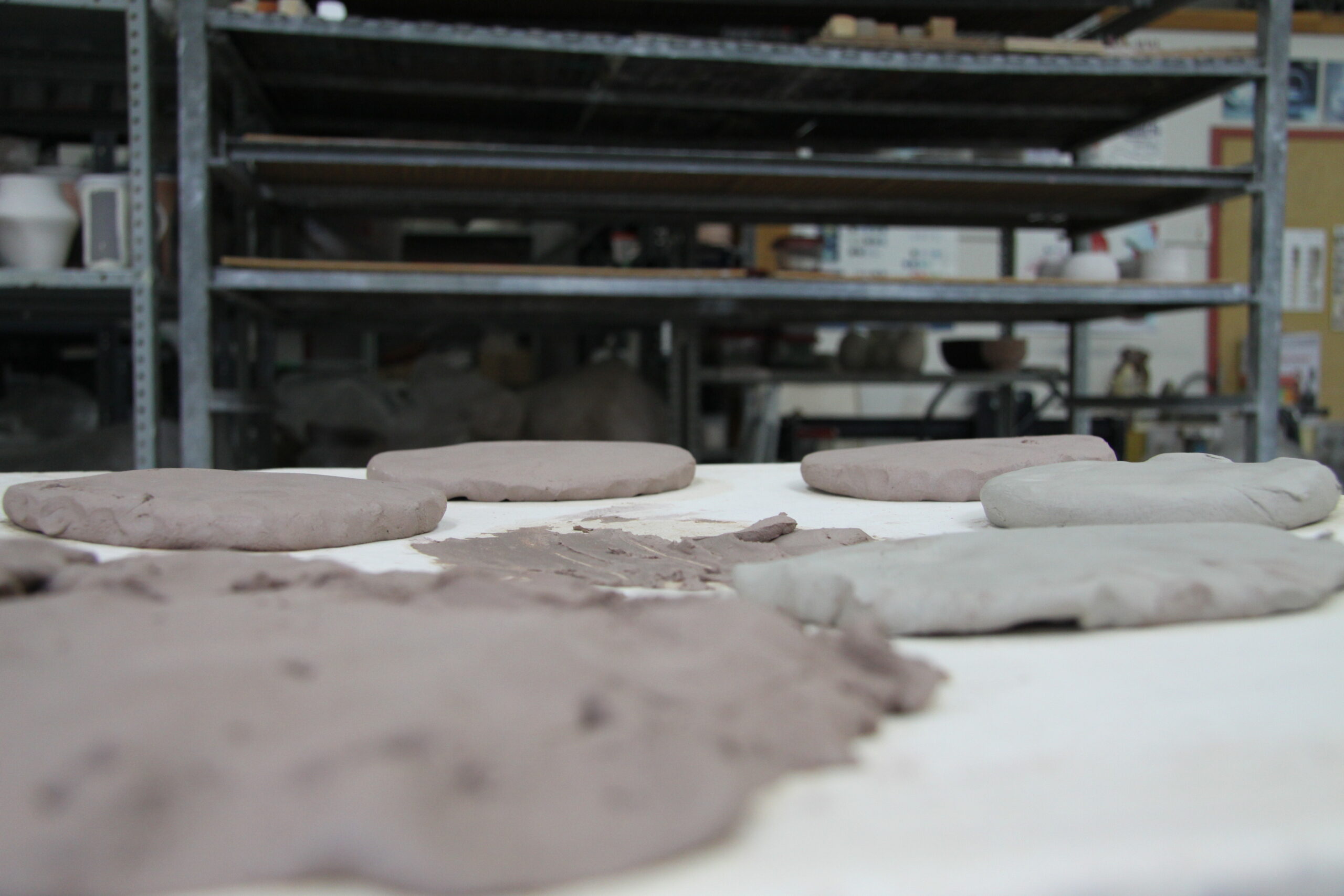
The first shoot was done over 5 hours on campus, utilizing the pottery studio. This shoot covers the creative process of developing potter, Rachel Greene, as she works through prepping the space and clay, pulling pieces out of the kiln, picking glazes and applying them after waxing. It was lovely to watch her work and see some of the projects she was creating. I took just under 700 photos for this shoot and plan to batch edit 50 and keep about 10 for individual editing.
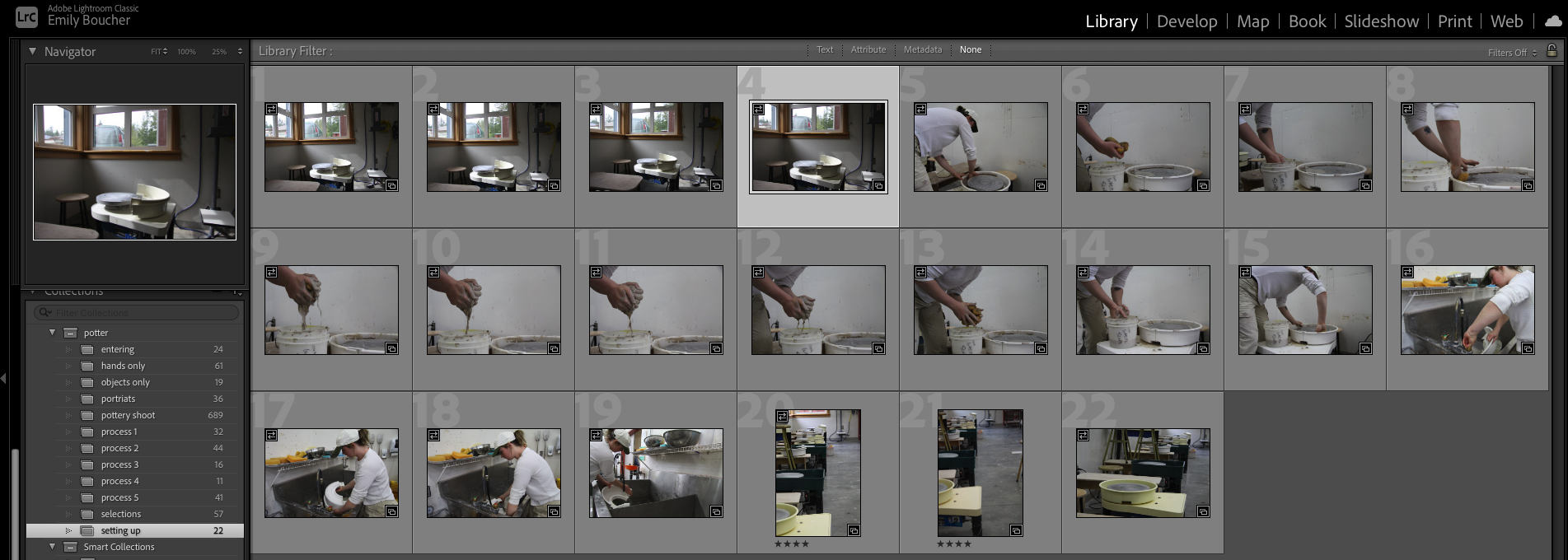
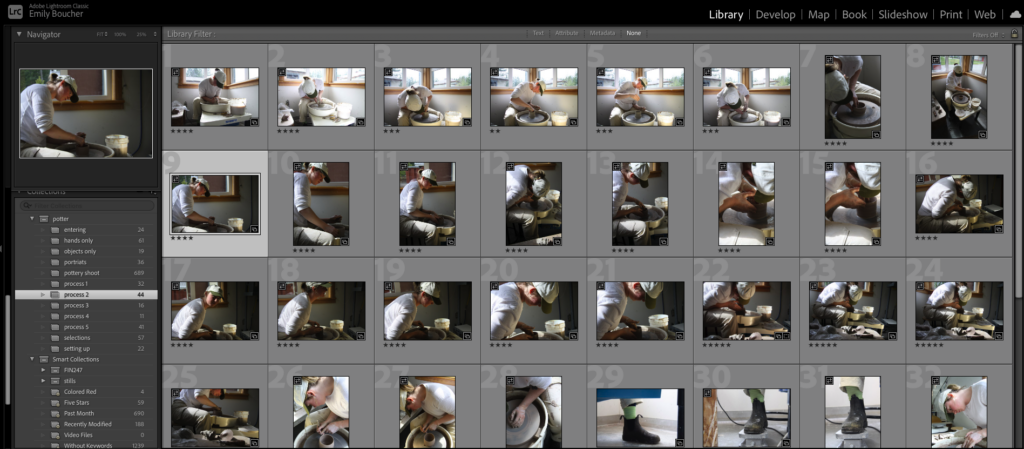
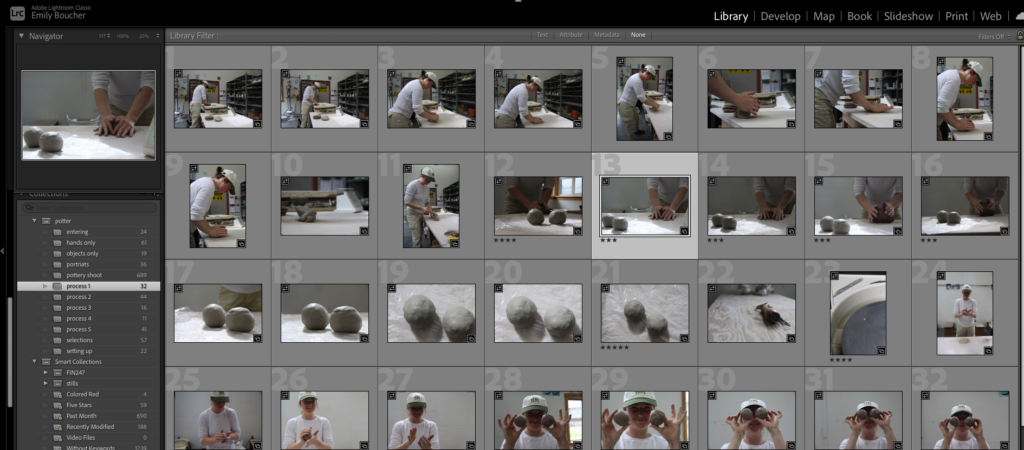
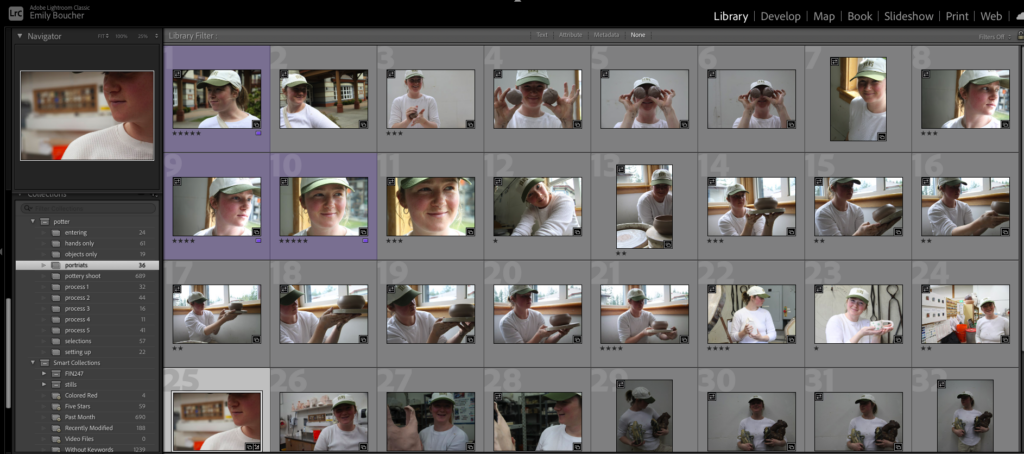
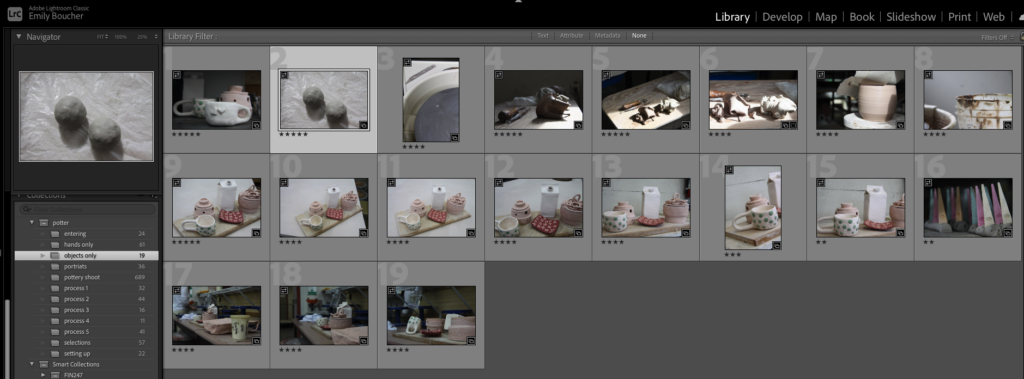
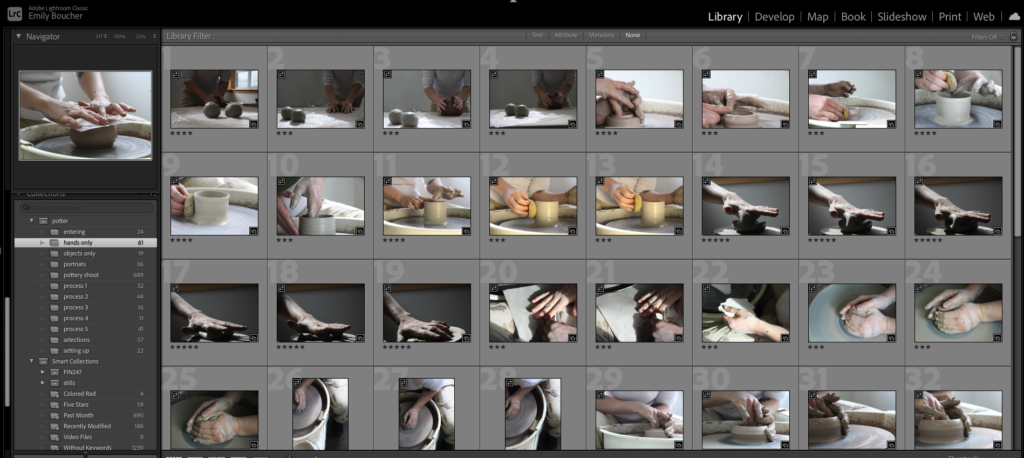
The corner lighting of the wheel was intense and I wanted to utilize as much natural light as possible. It was challenging to get enough exposure on the model without blowing out the windows, so I shot from many different angles looking for the best lighting. I played with ISO ranges from 200-800 but found I was most impressed with the details at 200 ISO. I tried shooting in Manual, Tv, Ap, sport, and auto (just to get a range on settings and test what worked and what did not). I found Aperture priority was giving me the best, most consistent results.
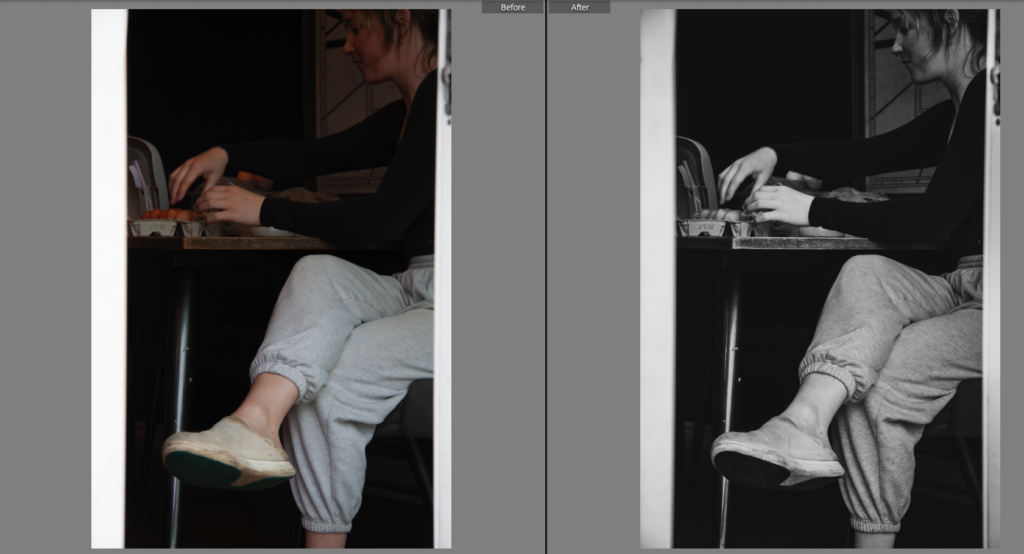
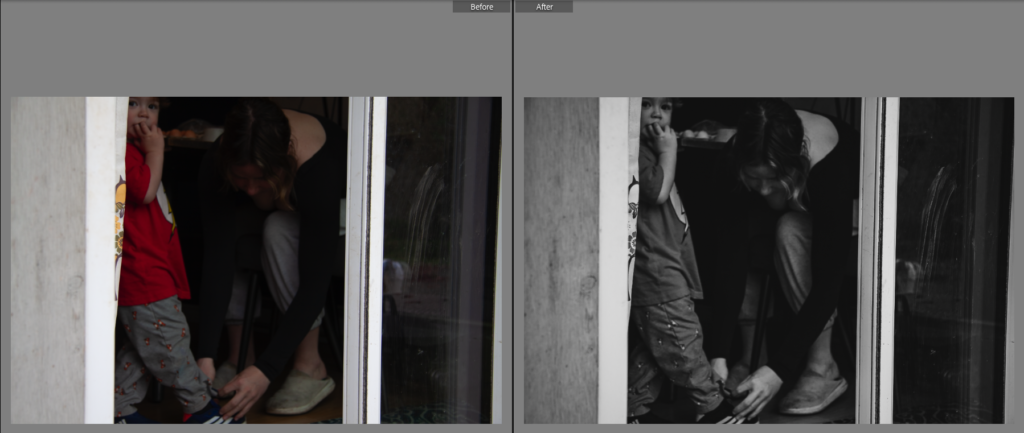
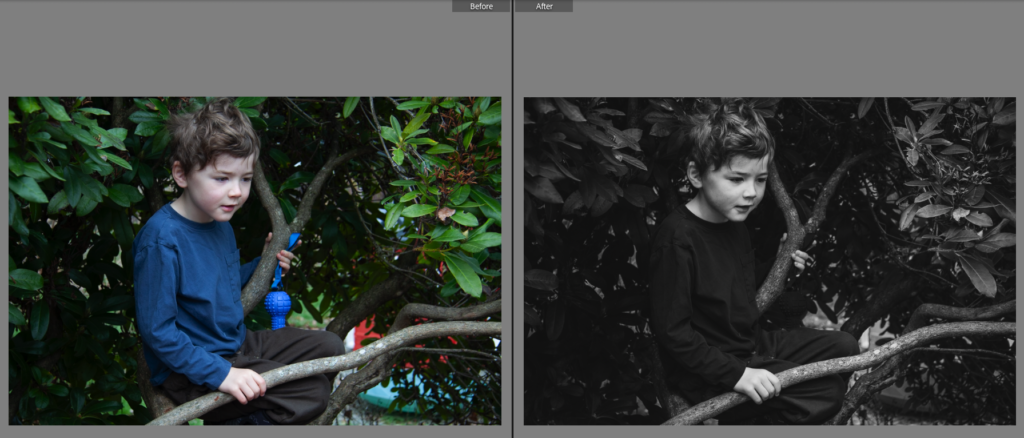
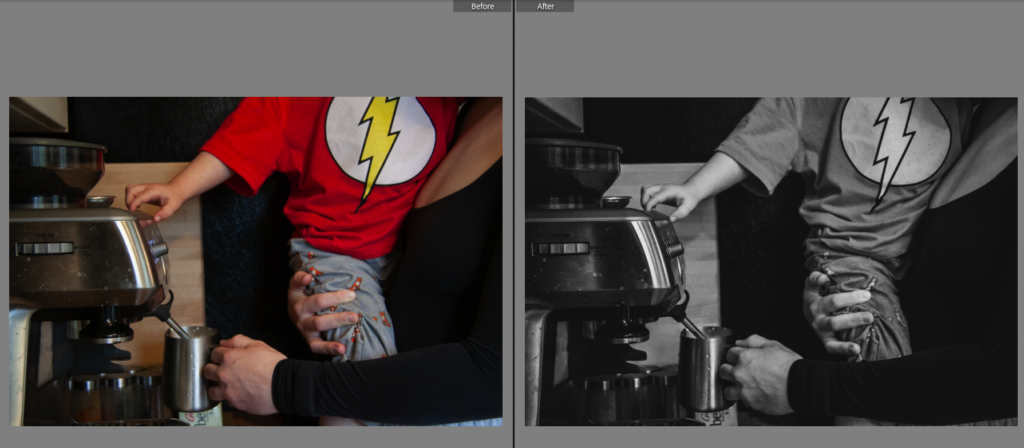
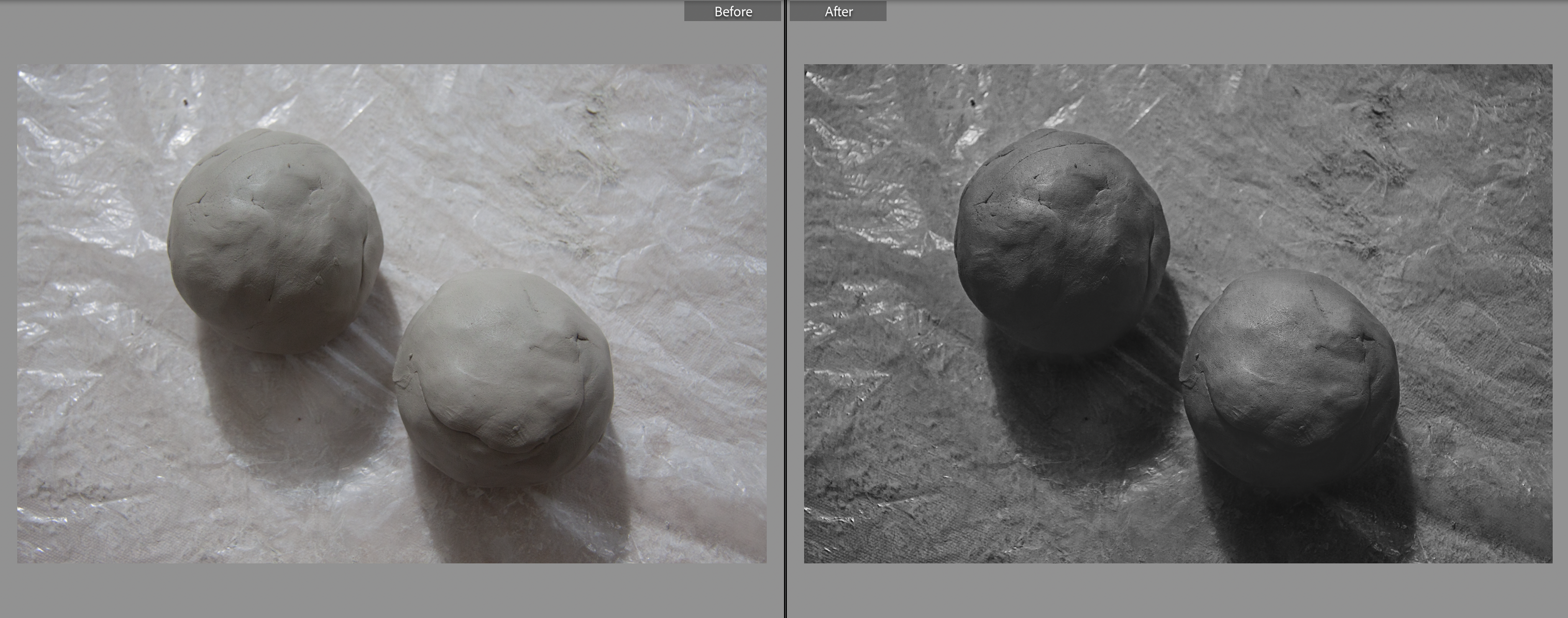
B&W Preset settings
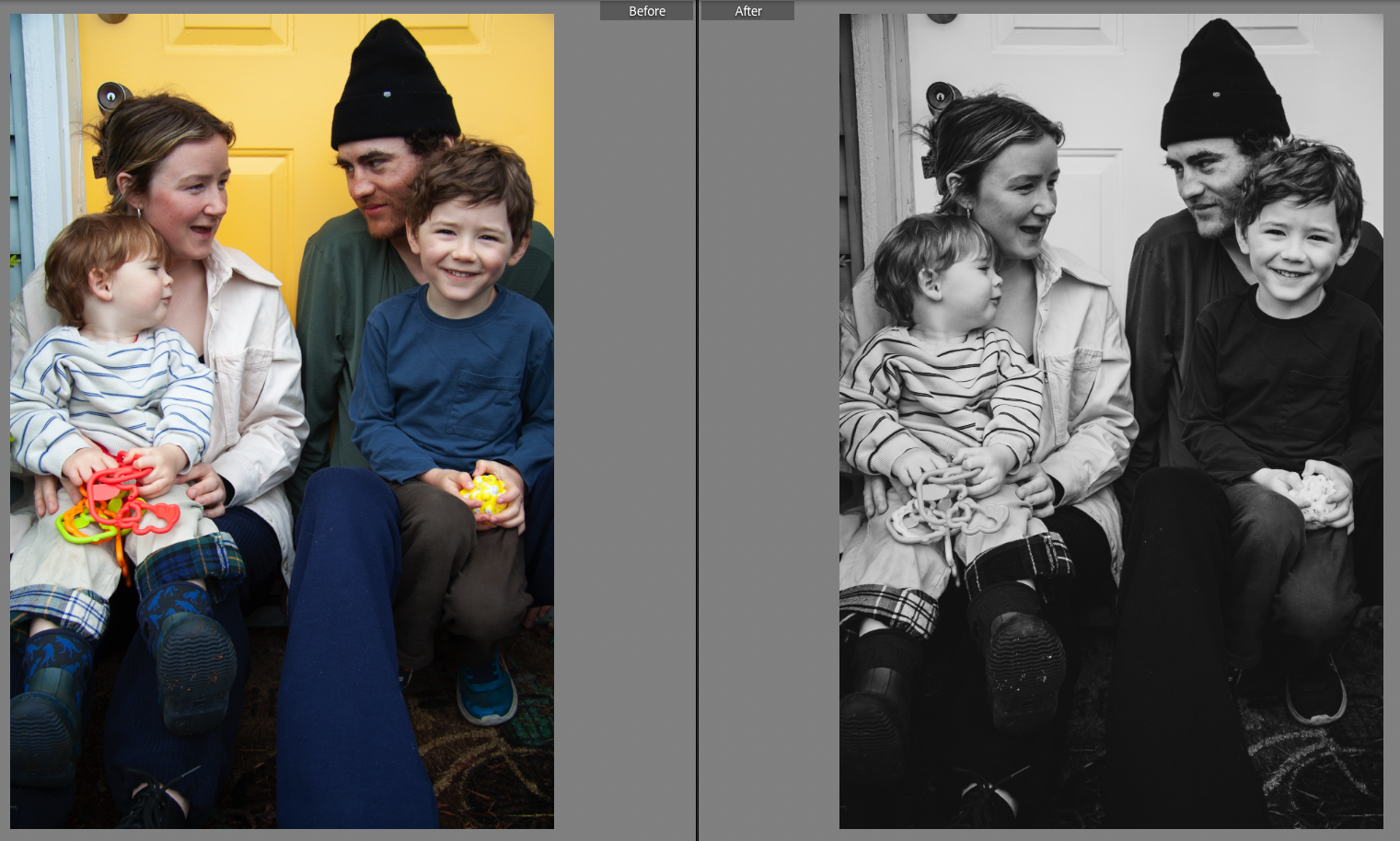
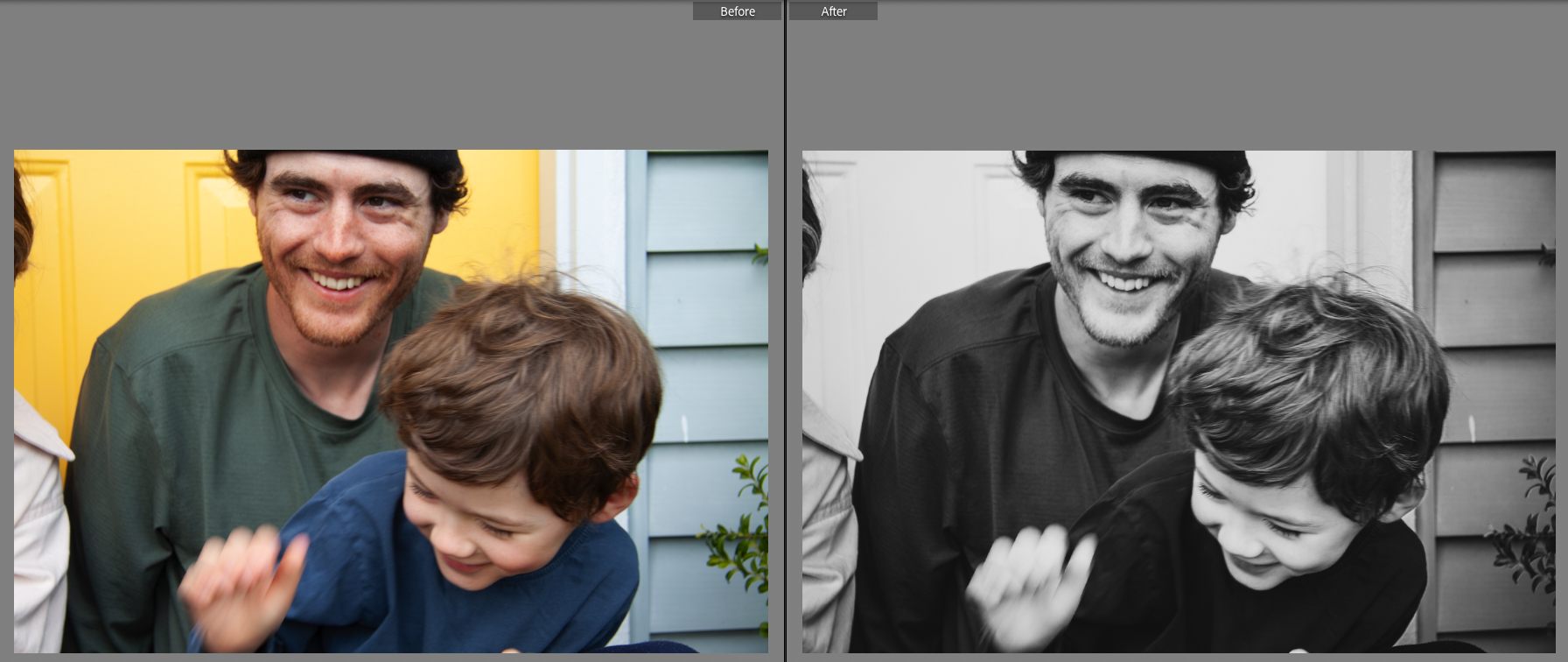
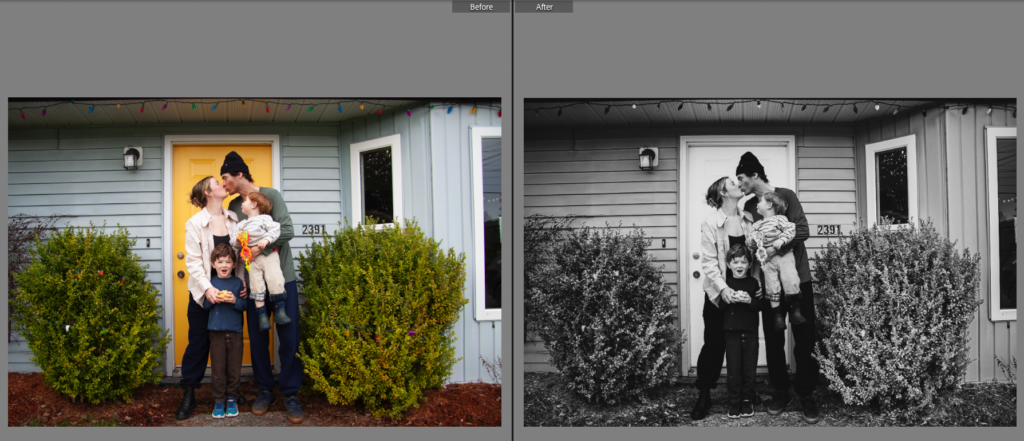
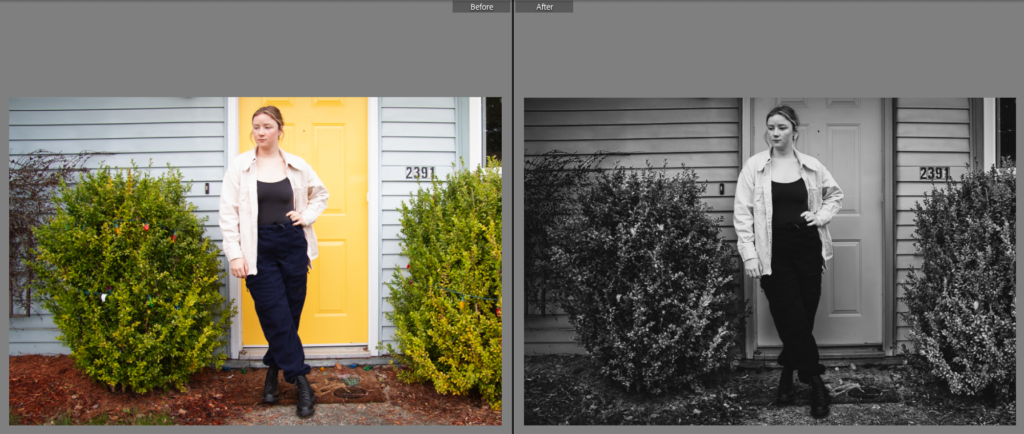
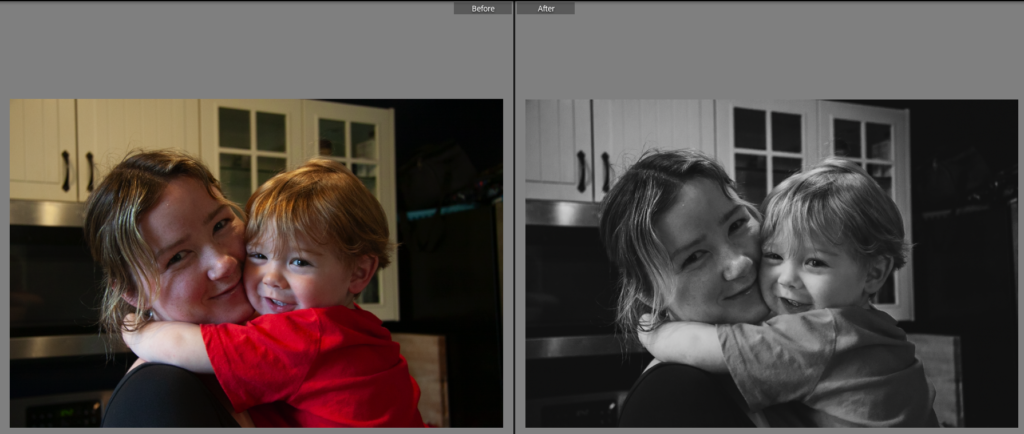
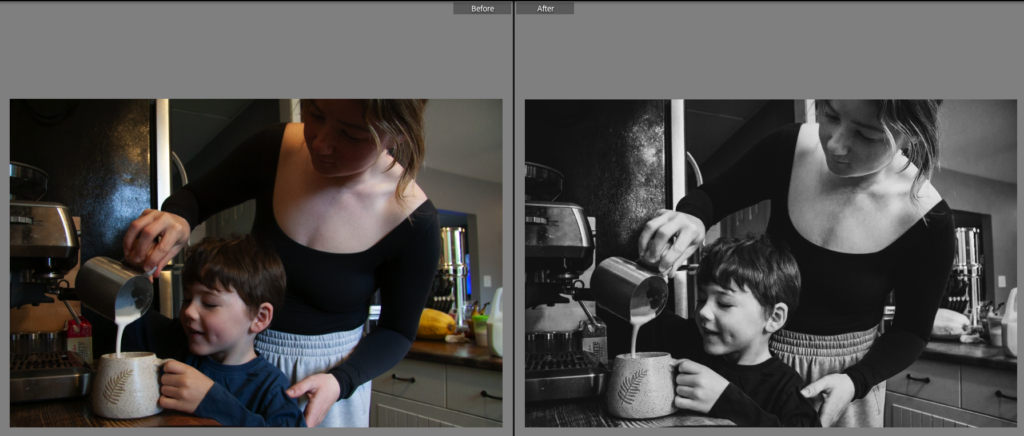
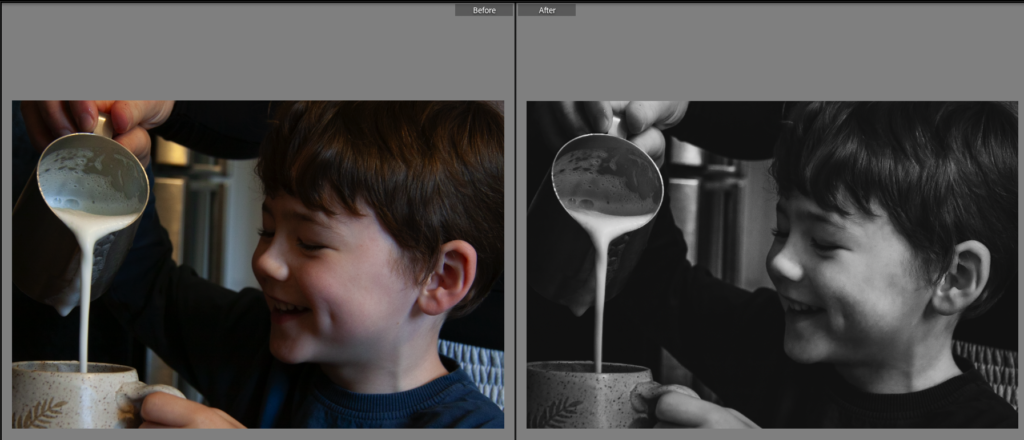
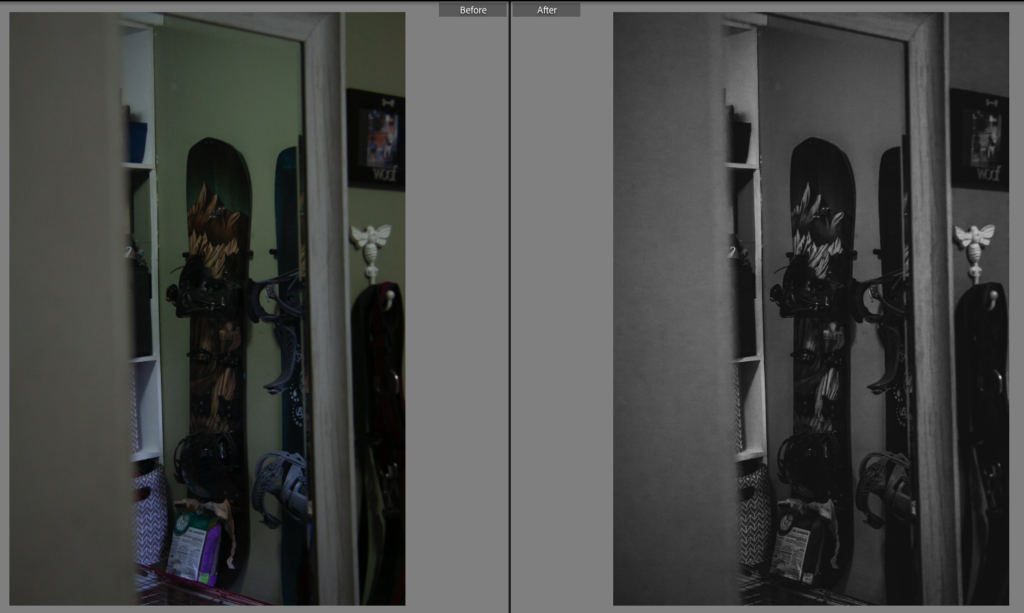
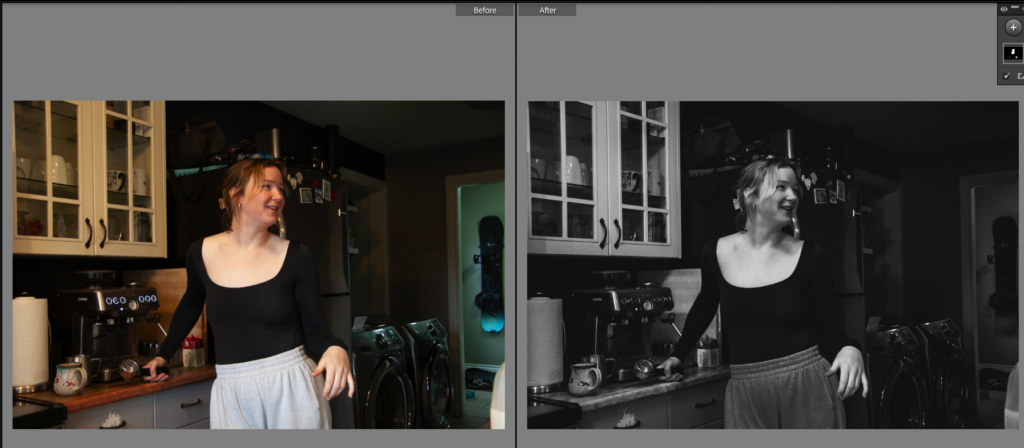
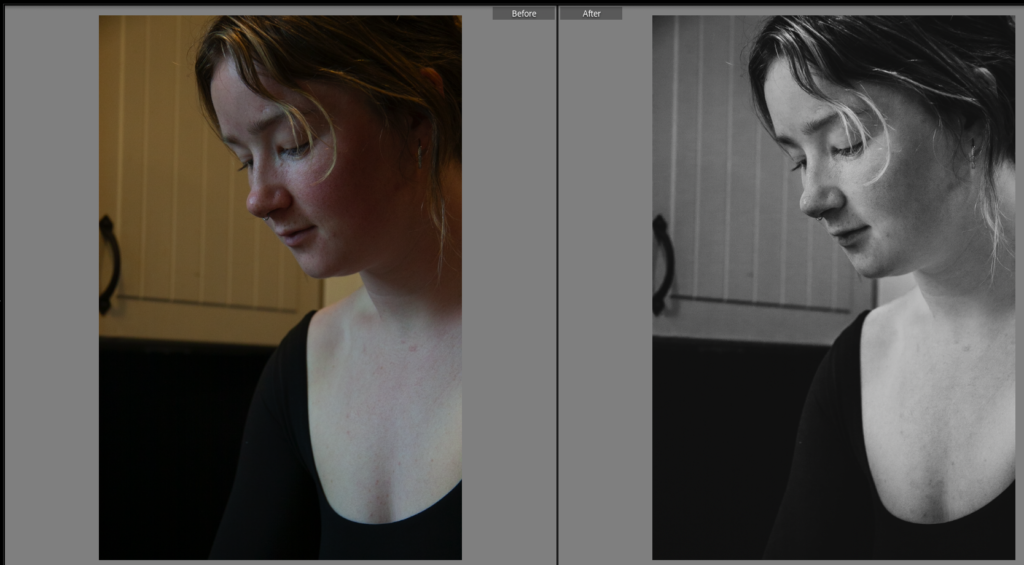
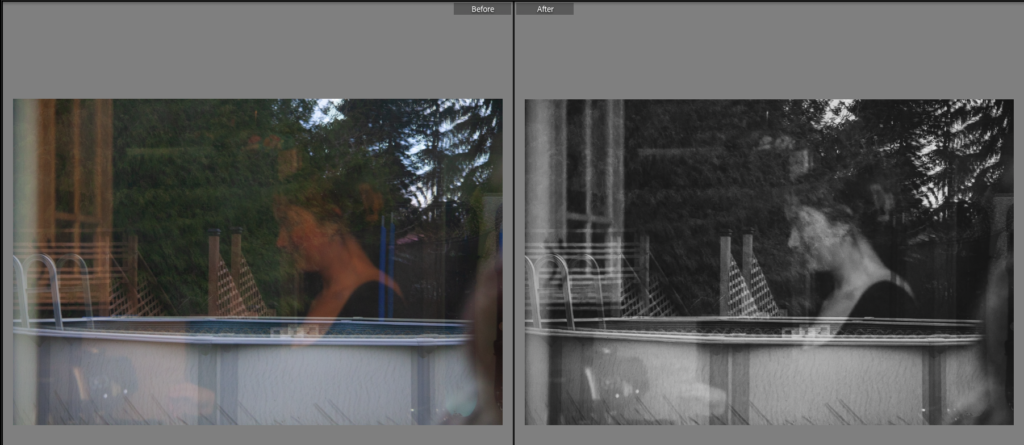
I wanted to create a story that was timeless and was inspired by the last project to create a more fluid post production process. I’ve created a black and white preset by doing the following steps:
- adjust white balance
- in calibration increase red, green mid level, and bump blue a lot to bring colour out so when going to black and white we can use mix to control those colours
- convert to black and white by pressing V
- reduce exposure, highlights, and whites
- reveal shadow detail in image using blacks
- dial in tone curve – subjective adjustments, then grey out the black and whites by removing pure blacks and pure whites
- B&W Mixer – raise skin tones and drop non skin tones
- can now further darken the image
- adjust presence and stylize with texture and dehaze
- maintain zero for contrast and adjust on a photo by photo basis
- add more detail with sharpening and radius, noise reduction, smooth skin and reduce detail
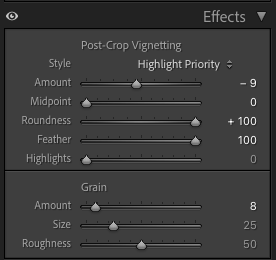
- lens correction – round feathered drop in on edges
- add a little bit of grain
Inspired by the following tutorial:
https://youtu.be/HlxXJvBQAyY : FIN 247 Unit 3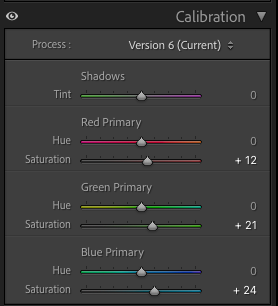
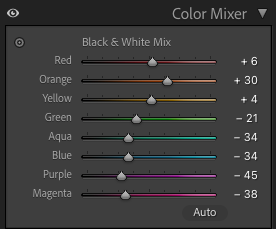
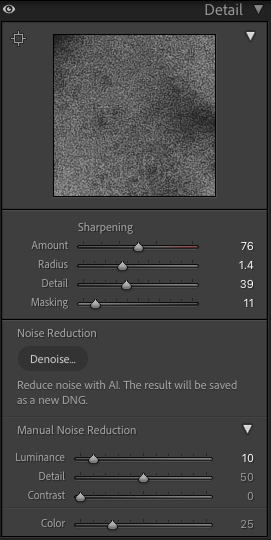
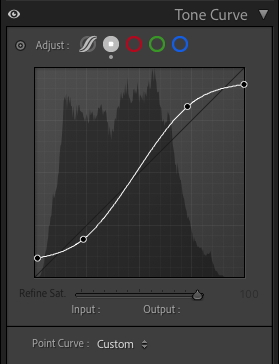
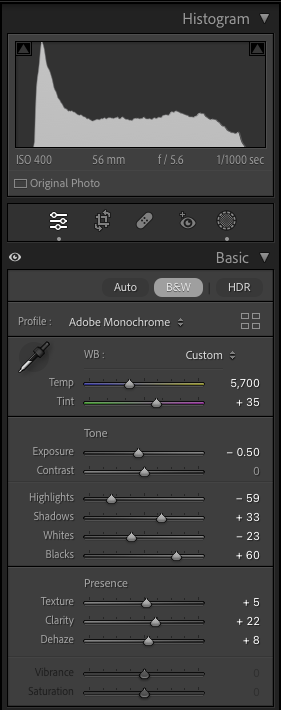
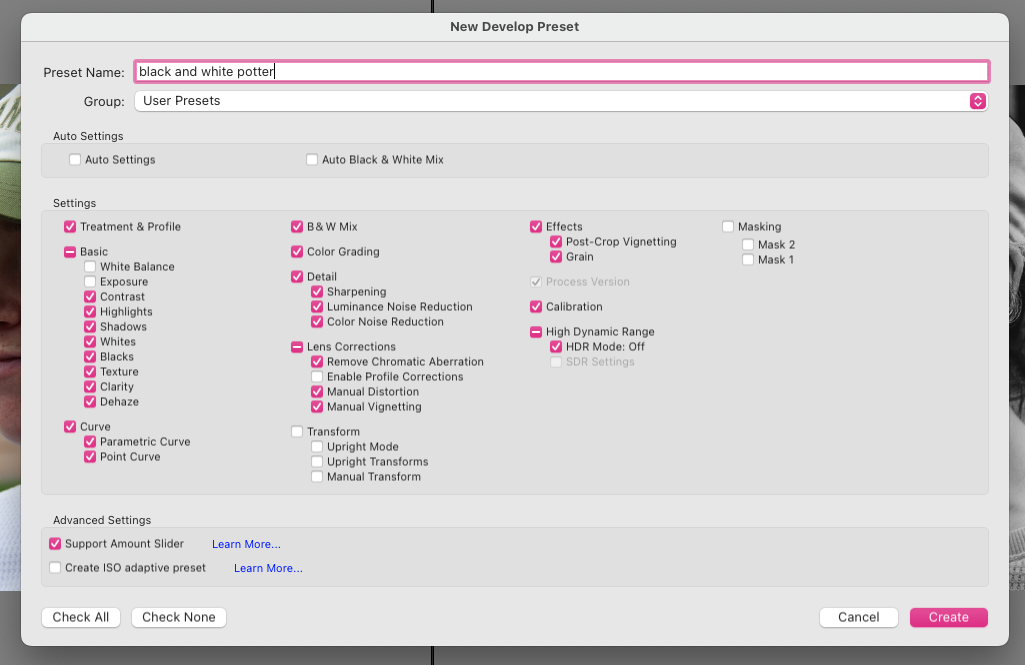
Test Images
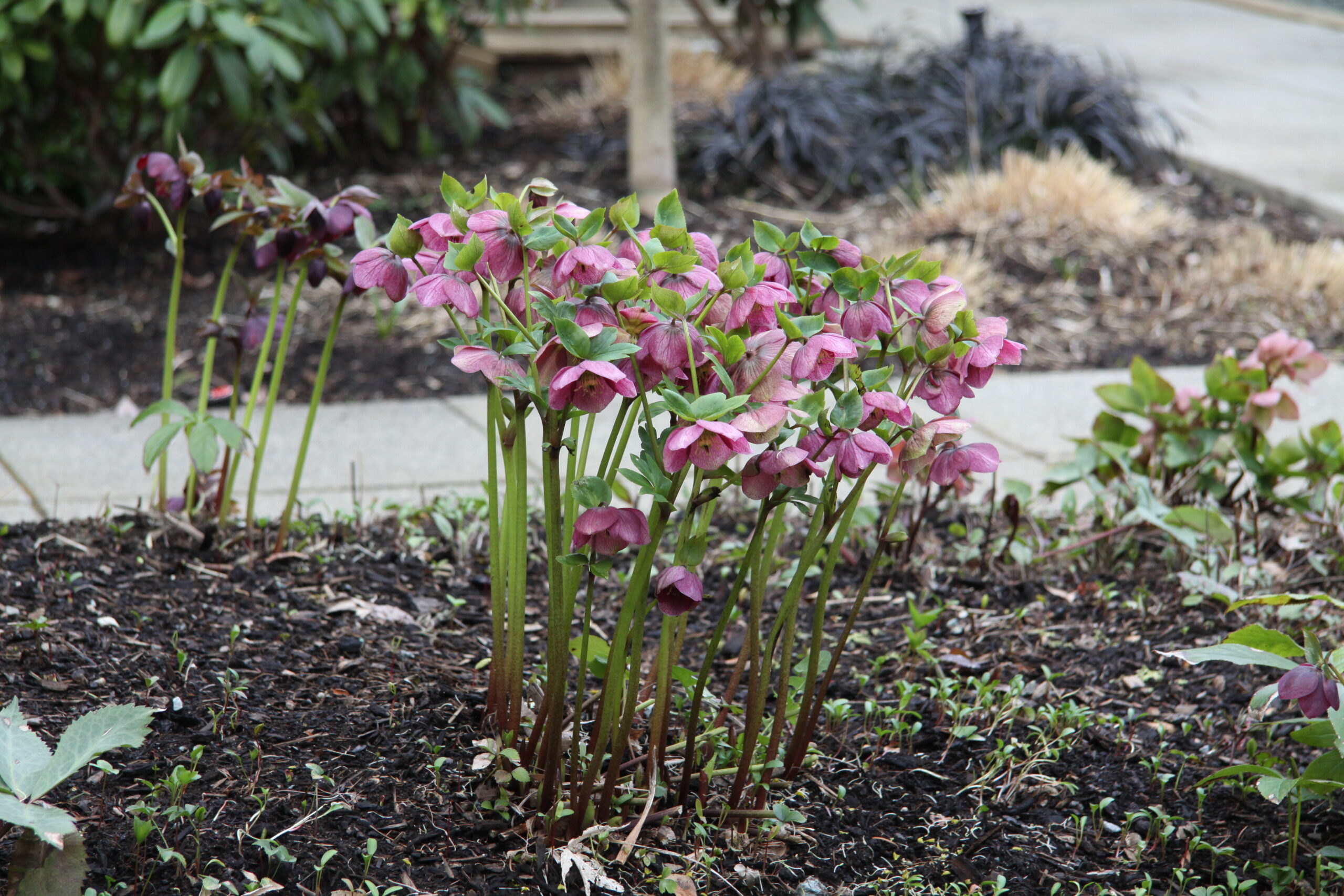
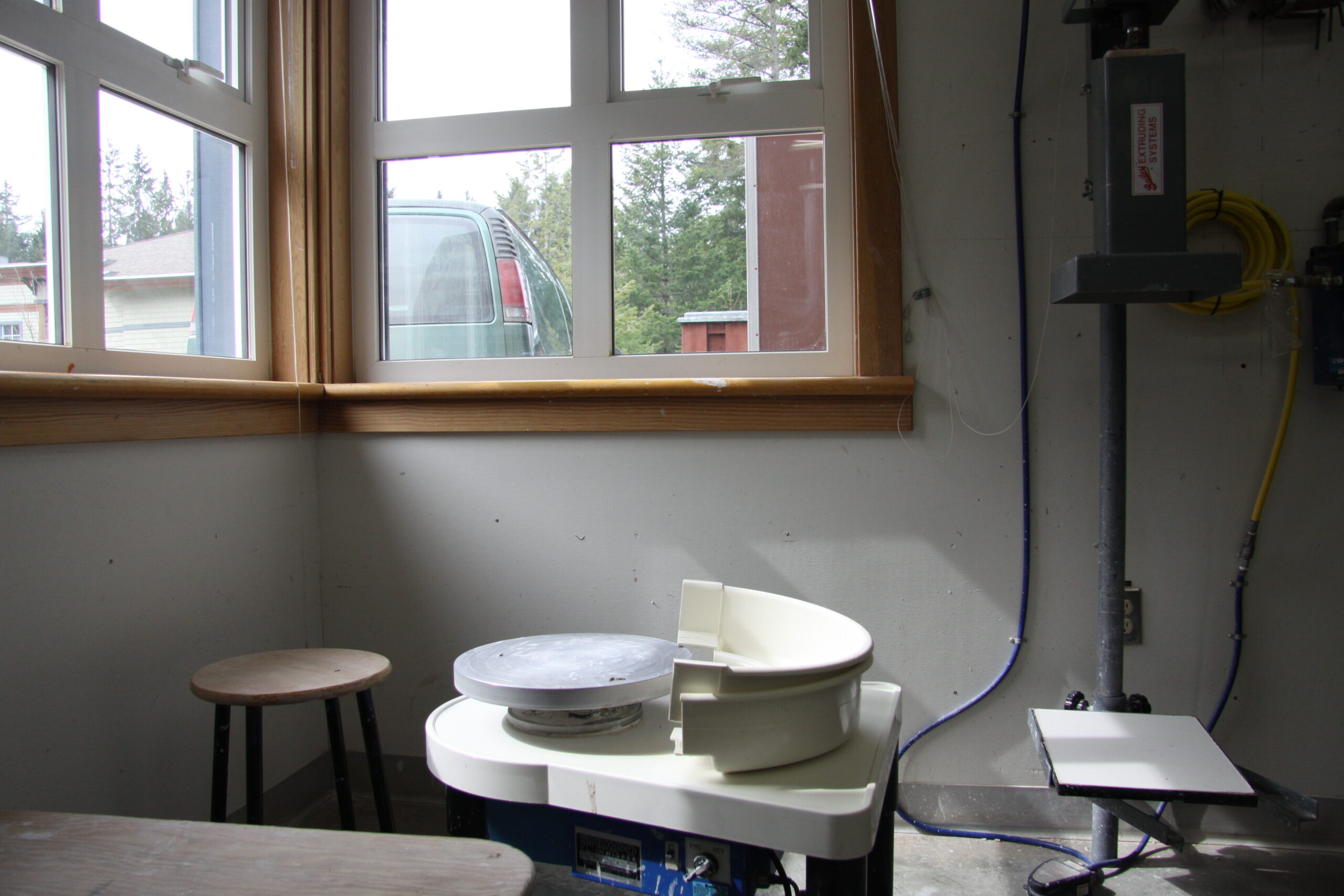
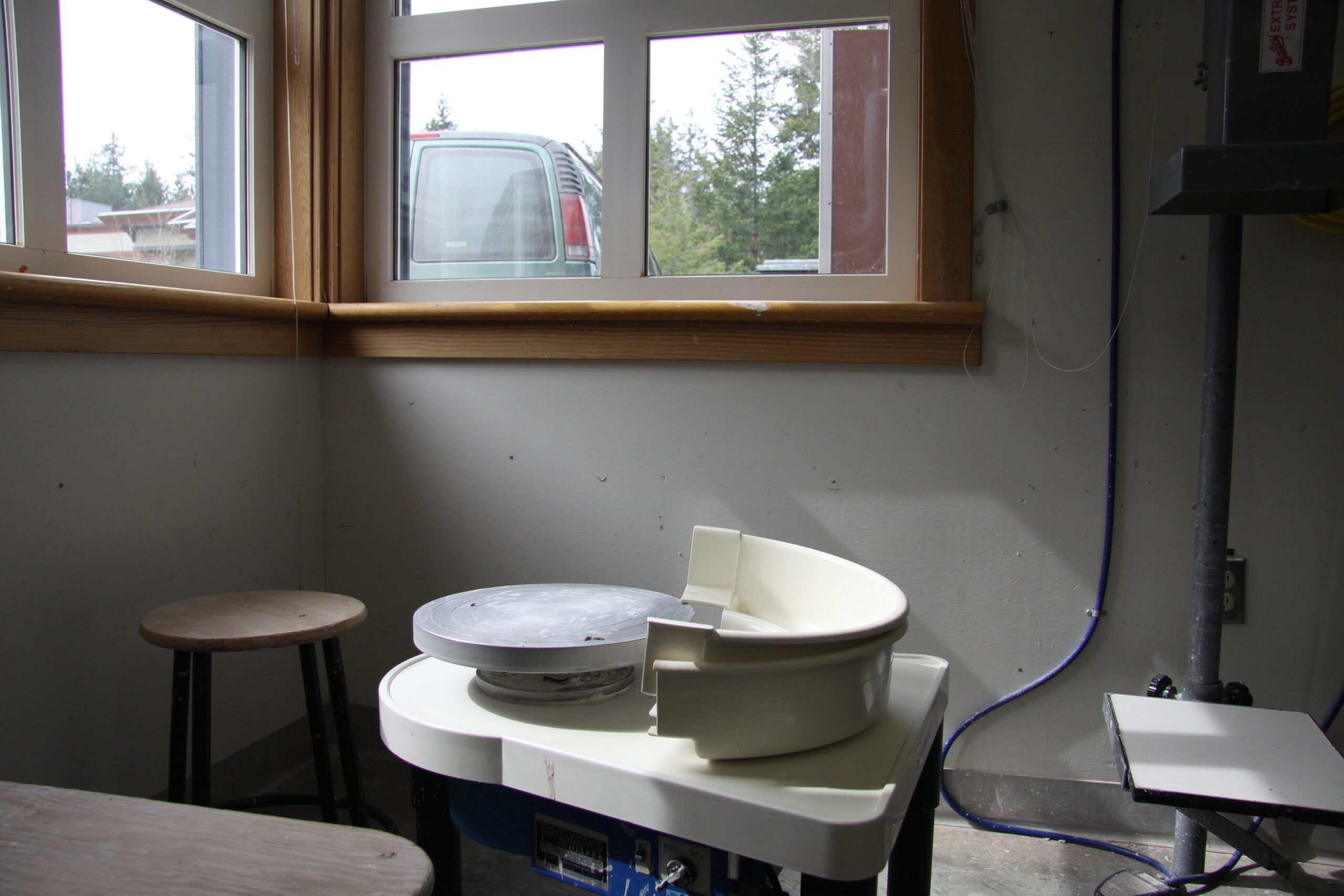
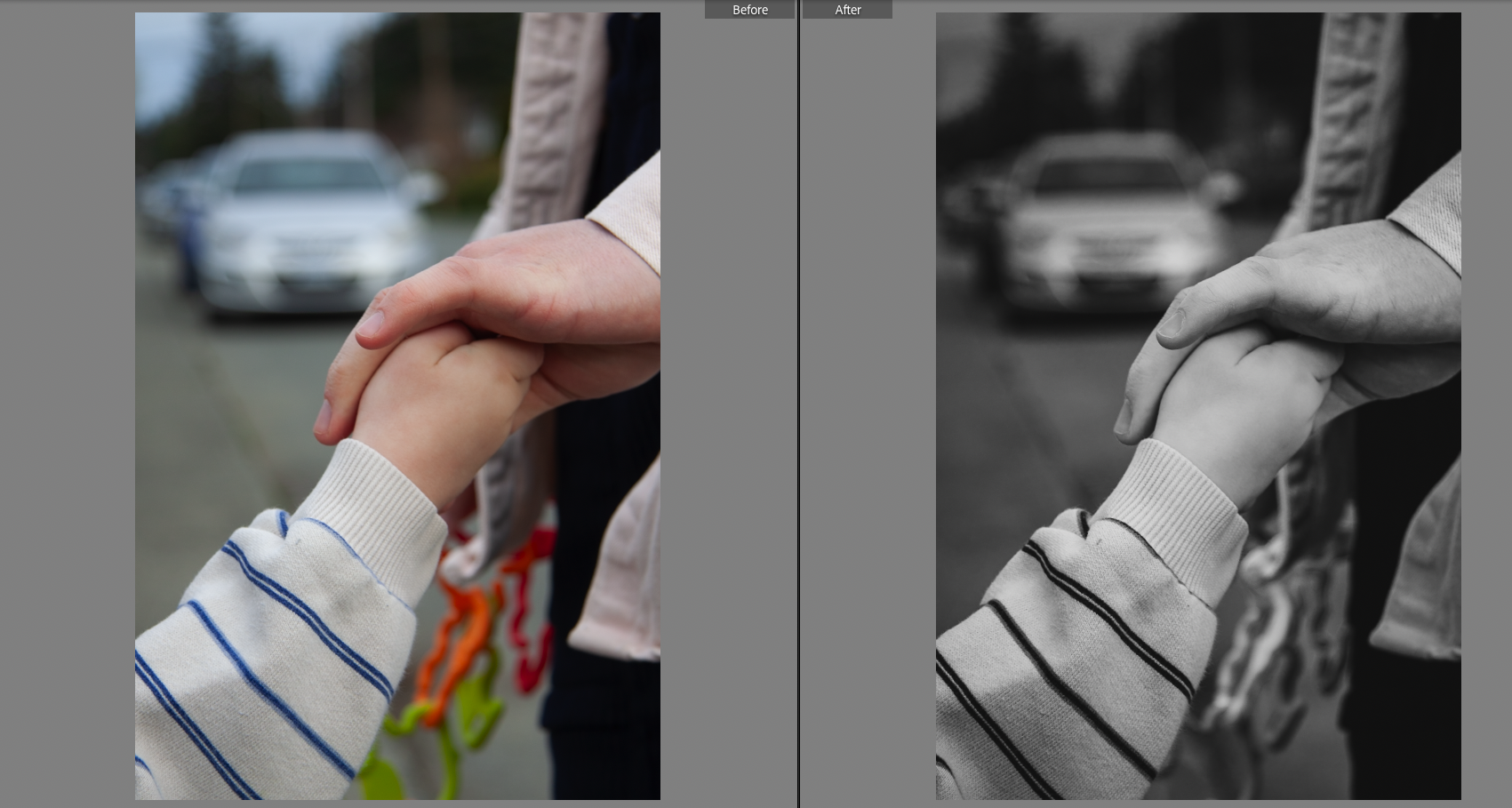
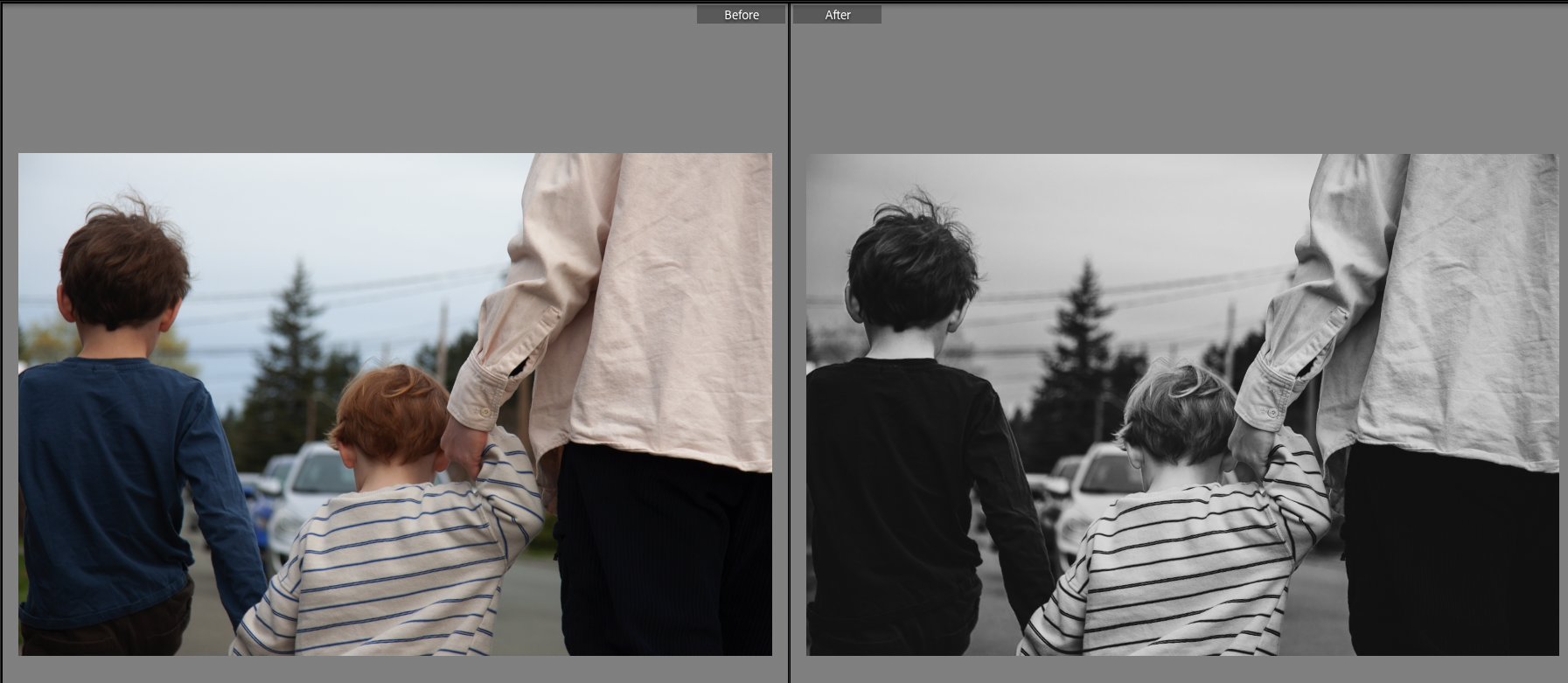
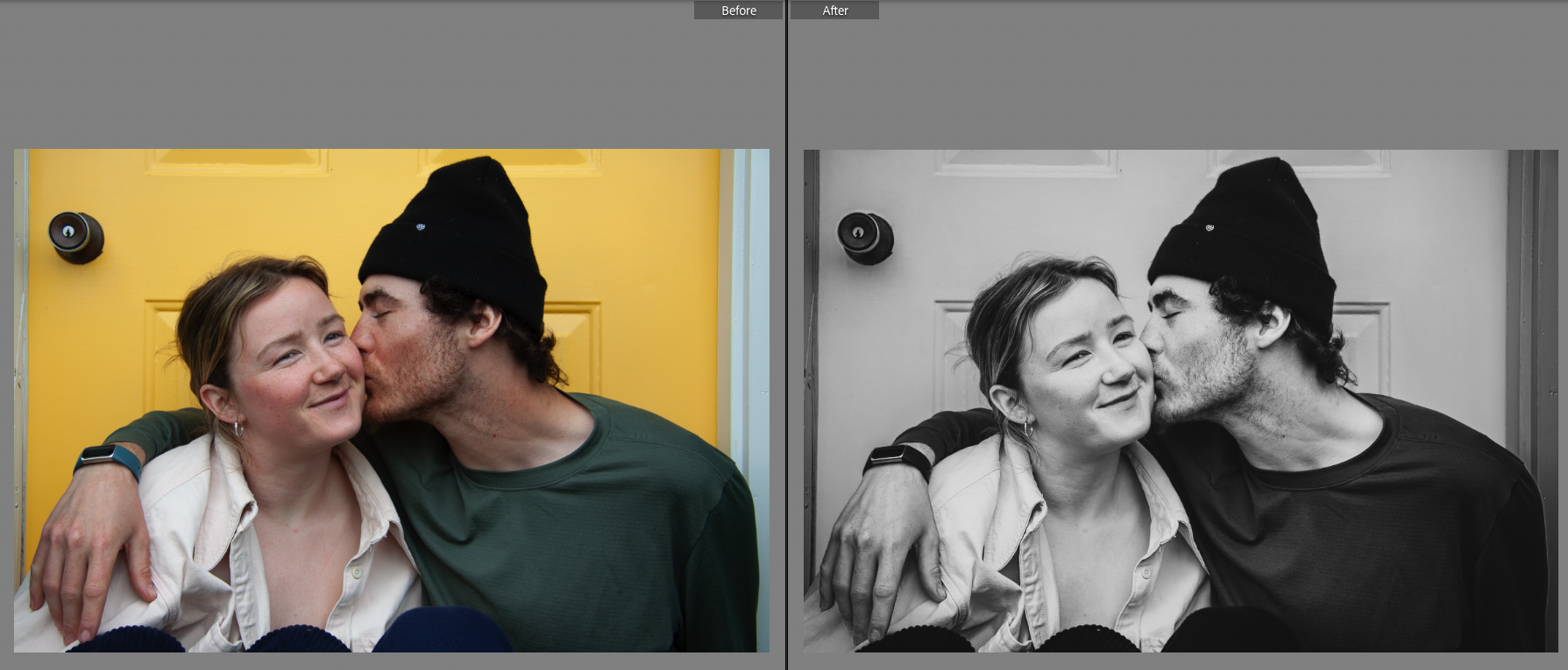
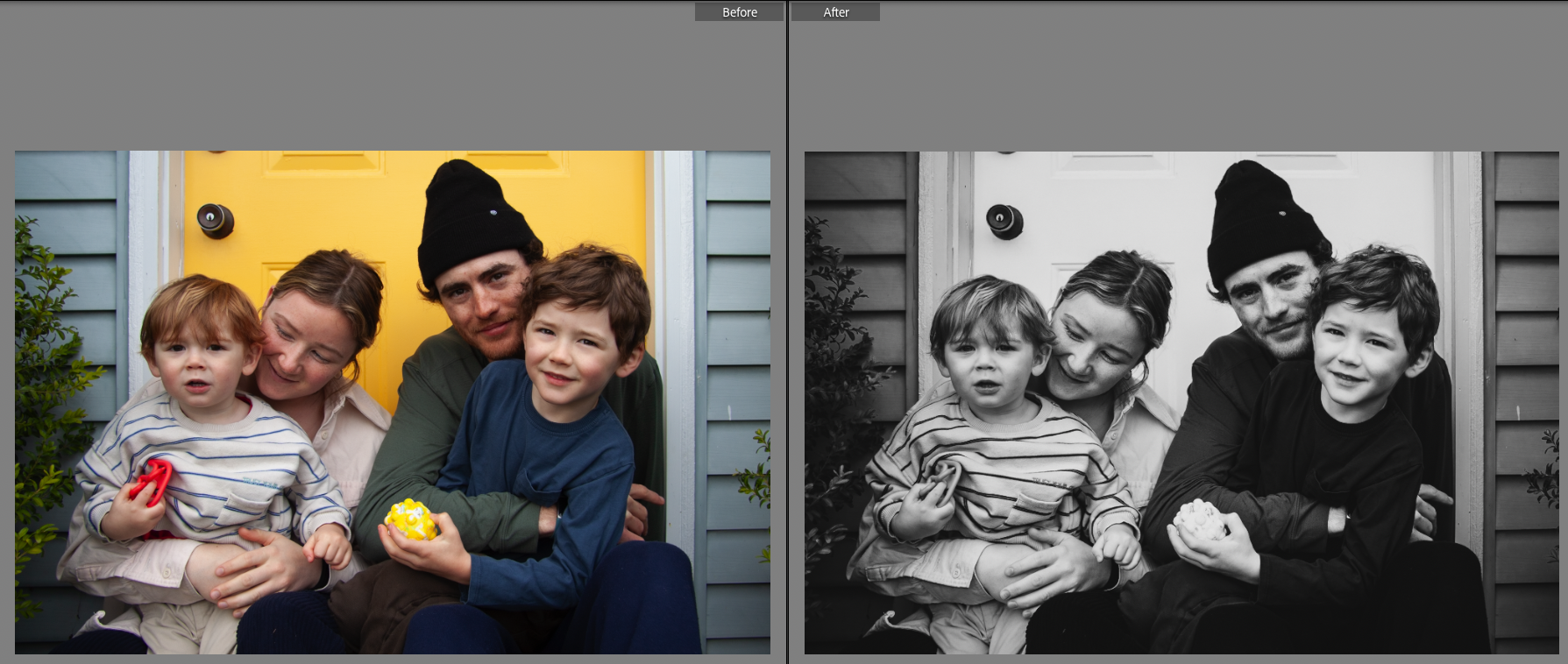
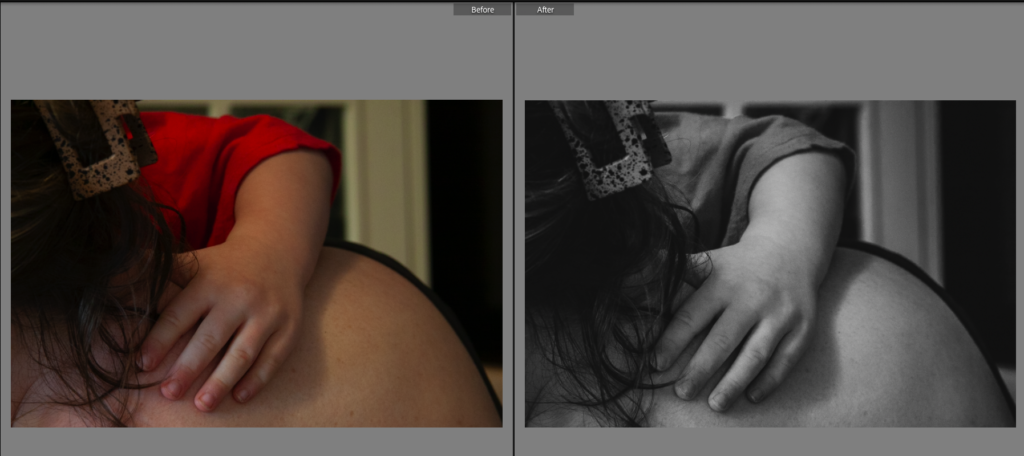
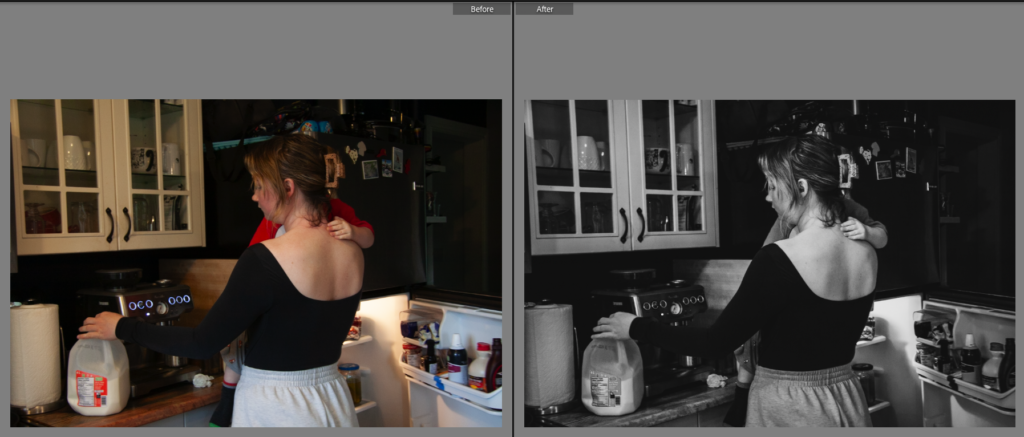
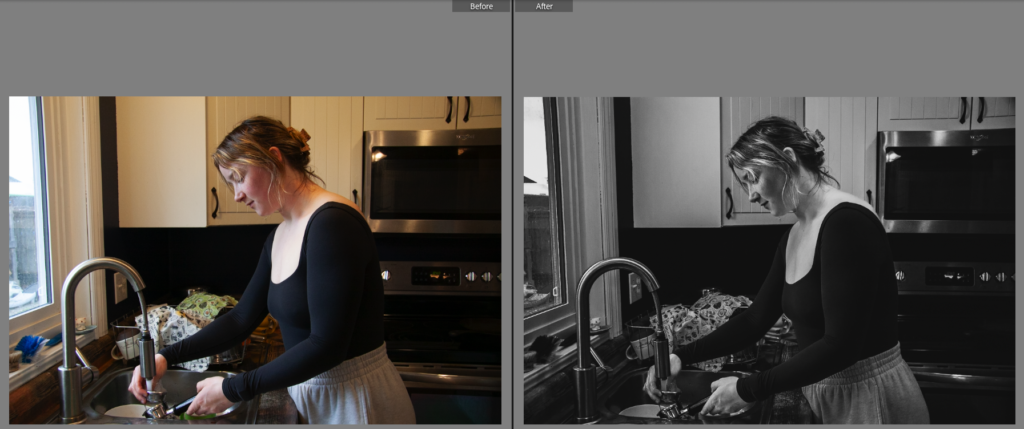
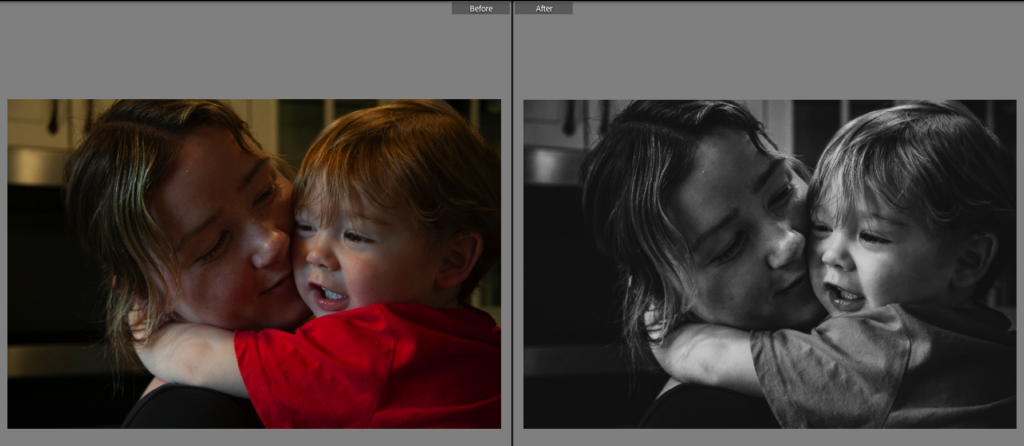
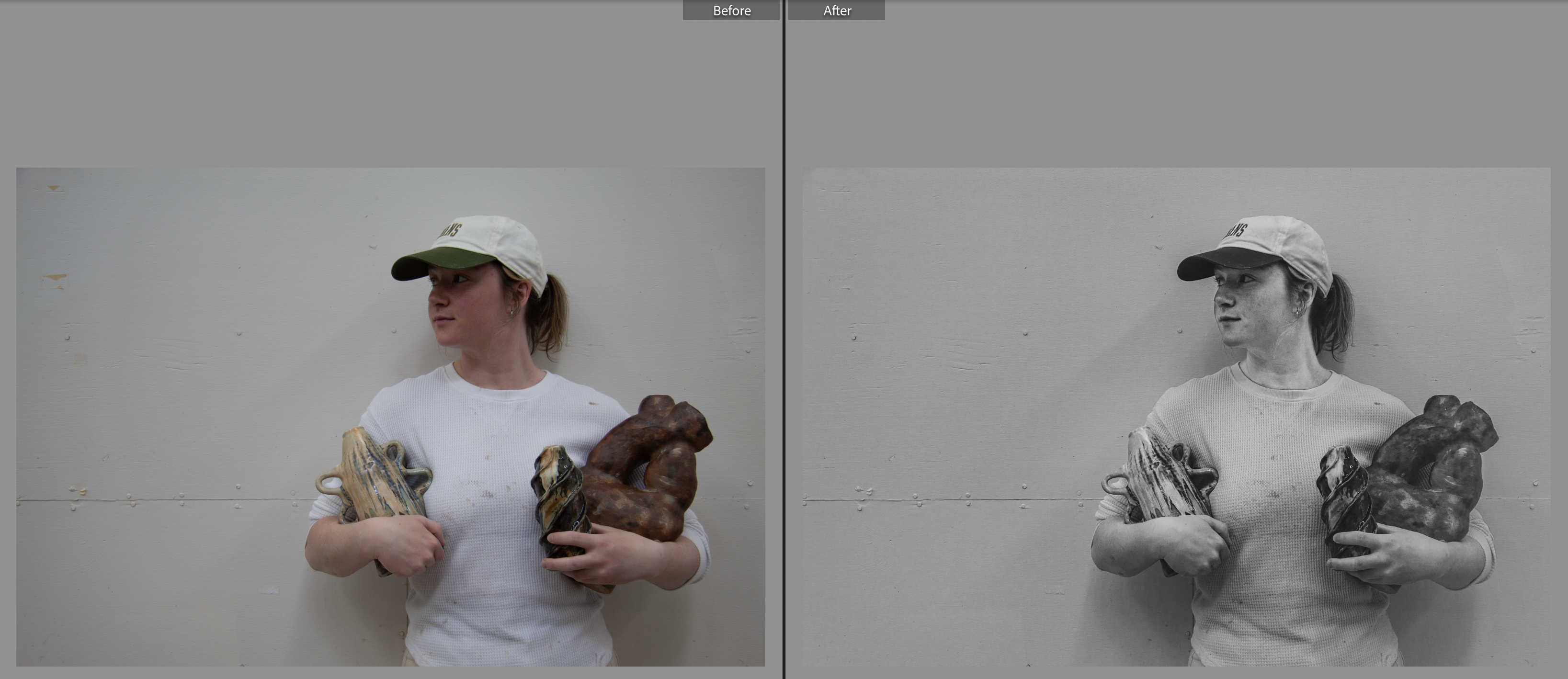
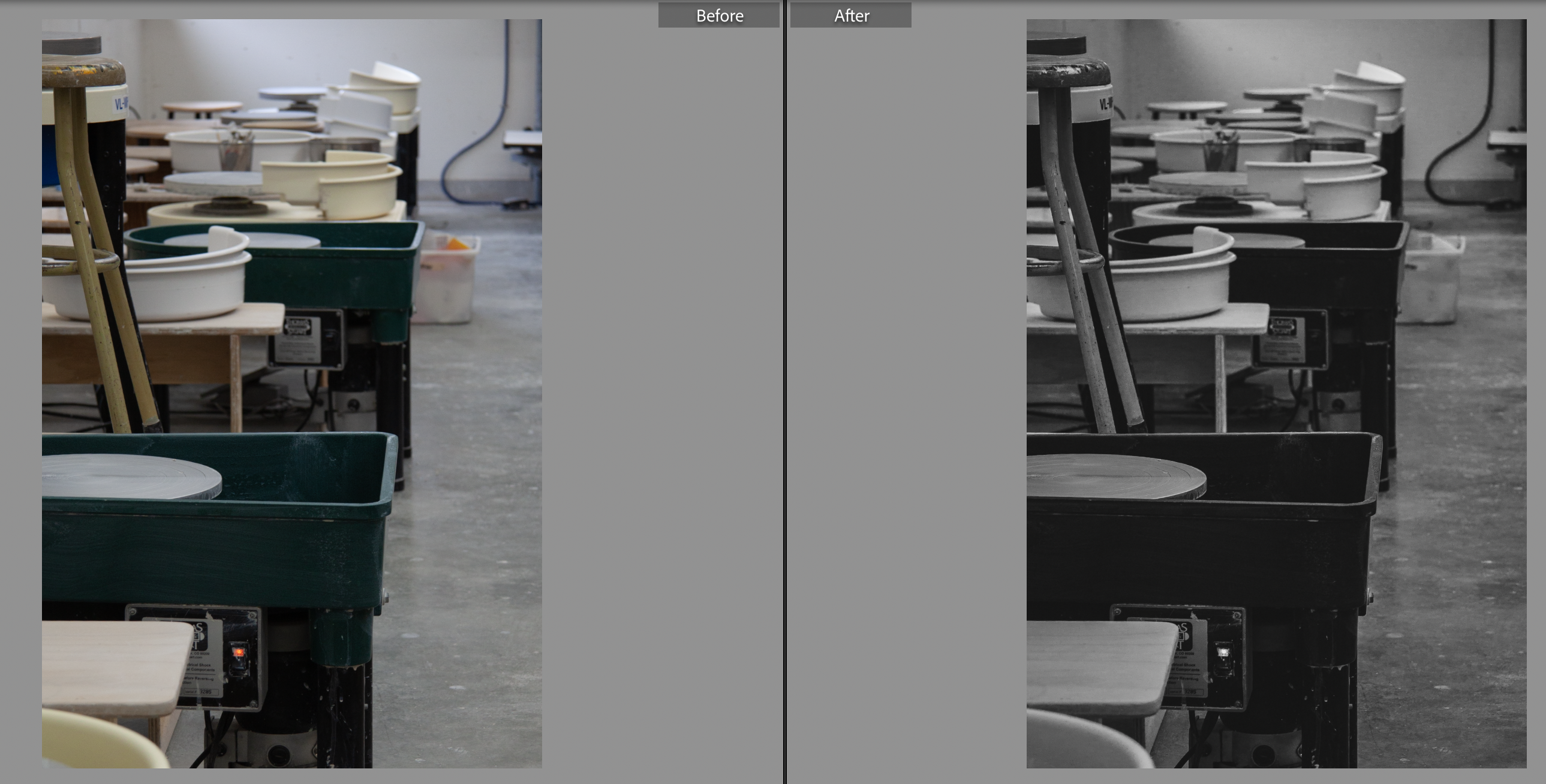
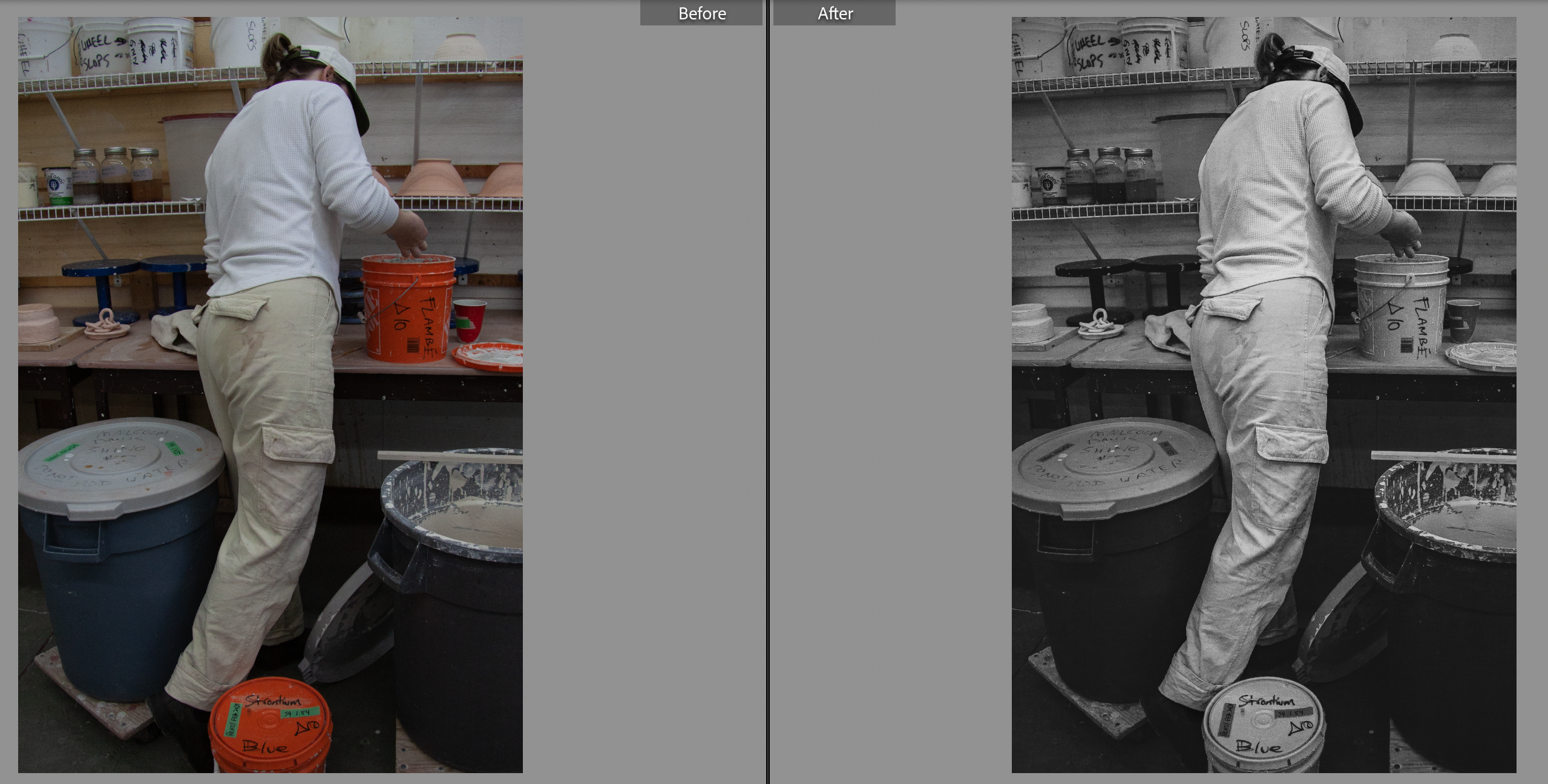
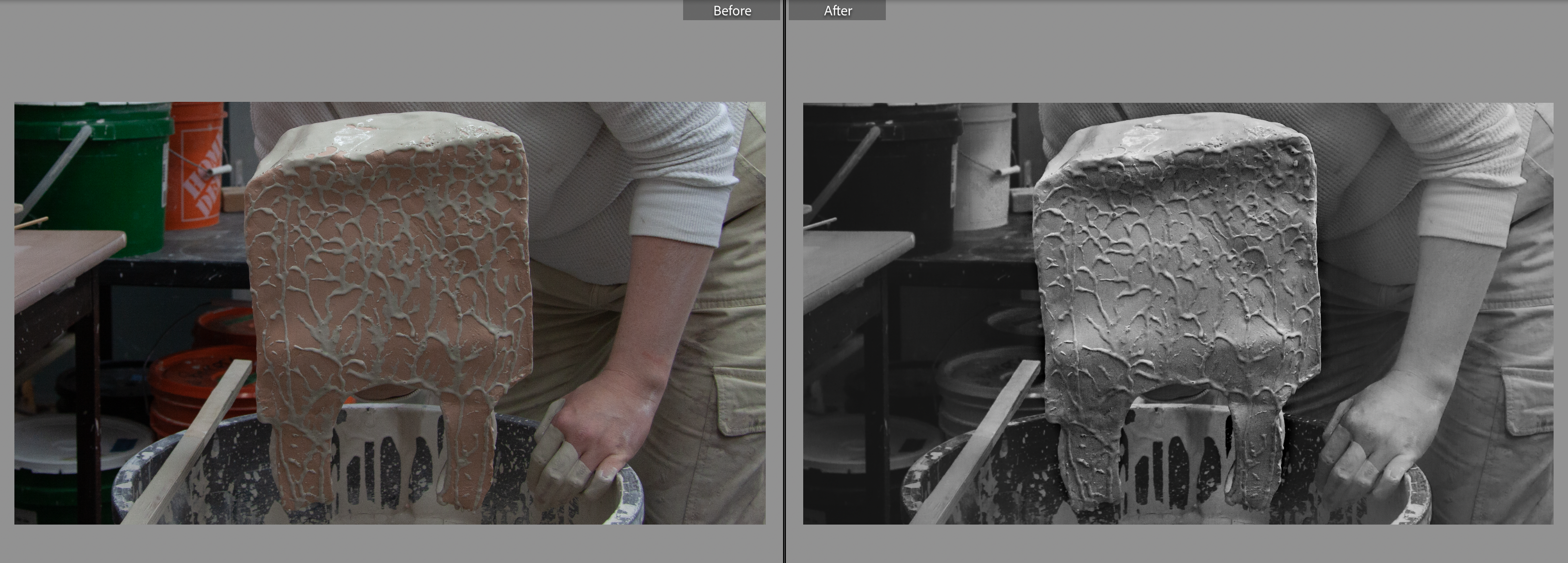
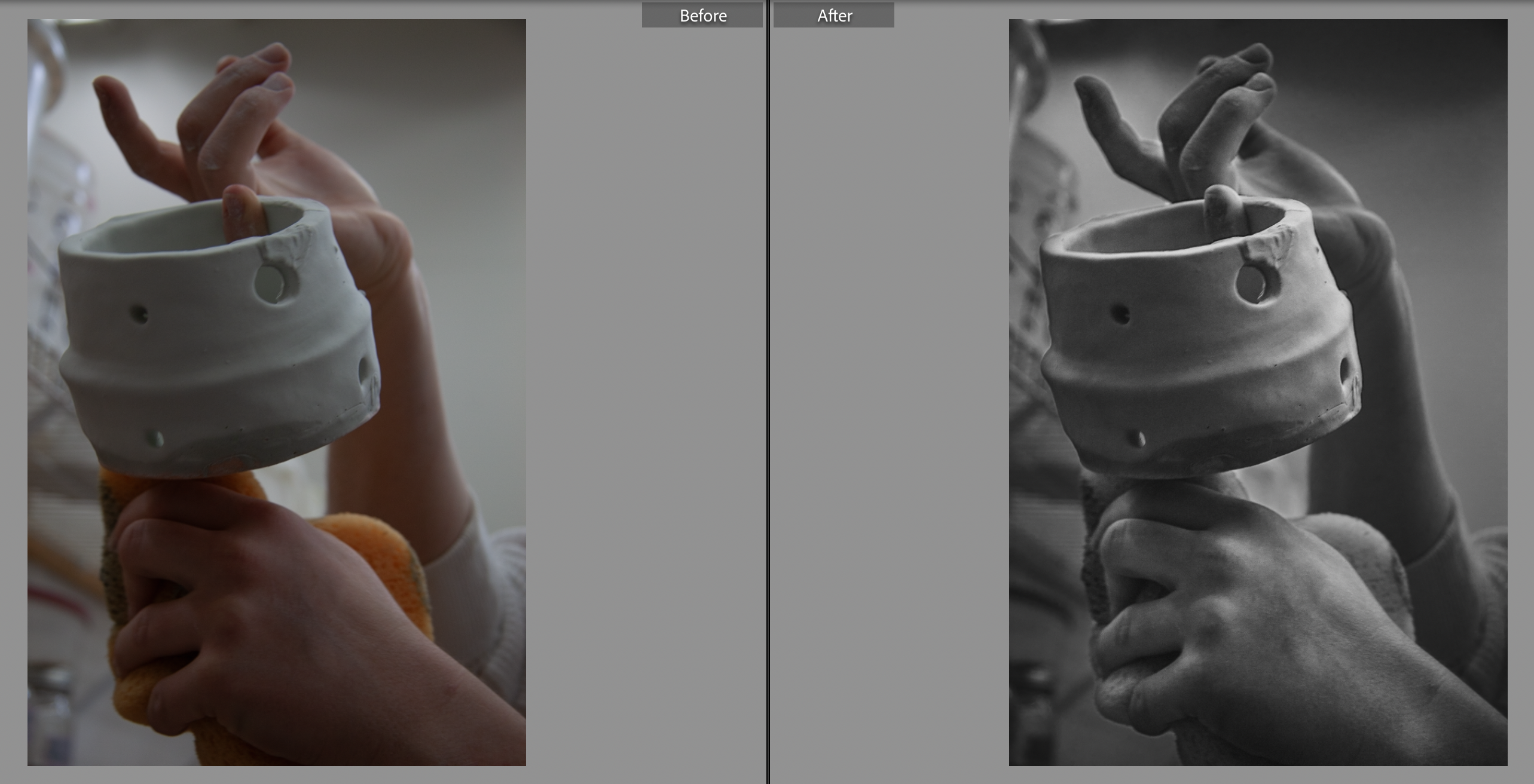
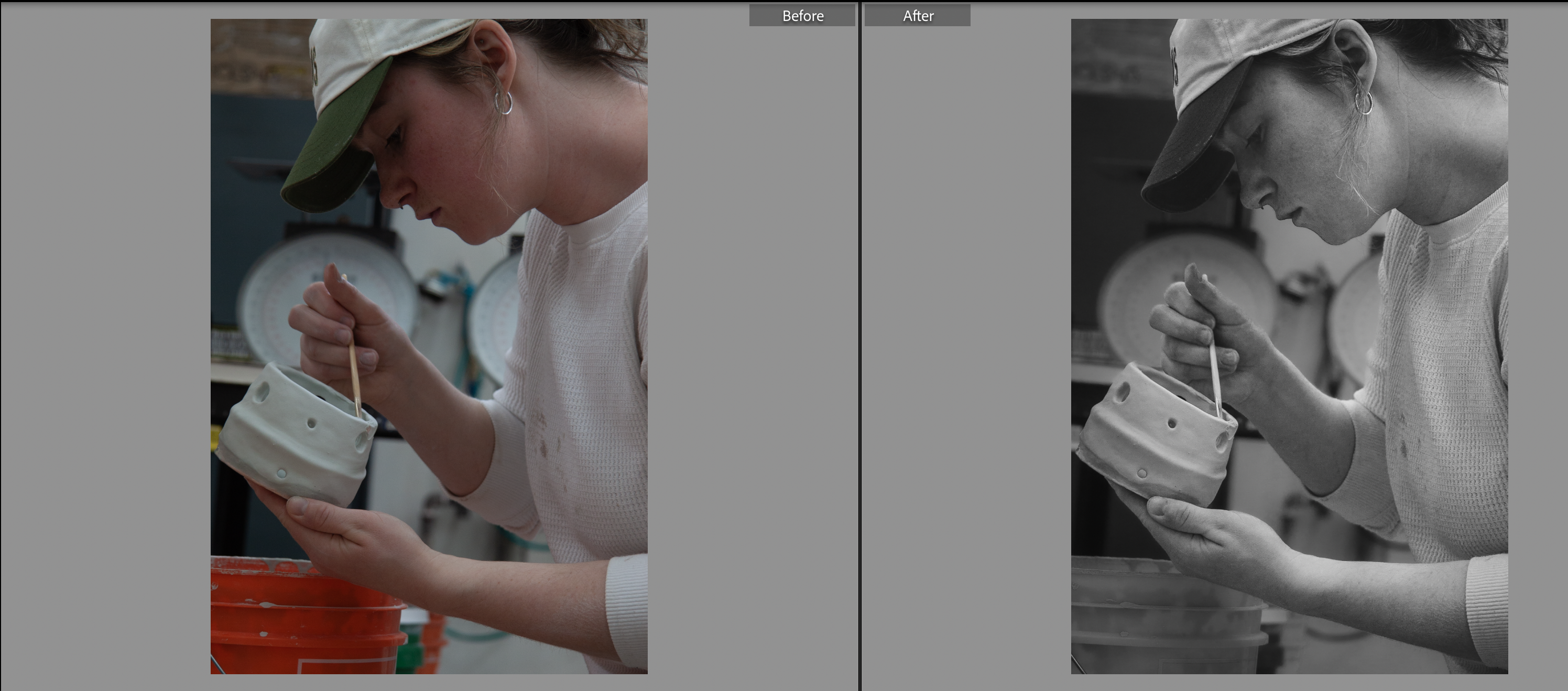
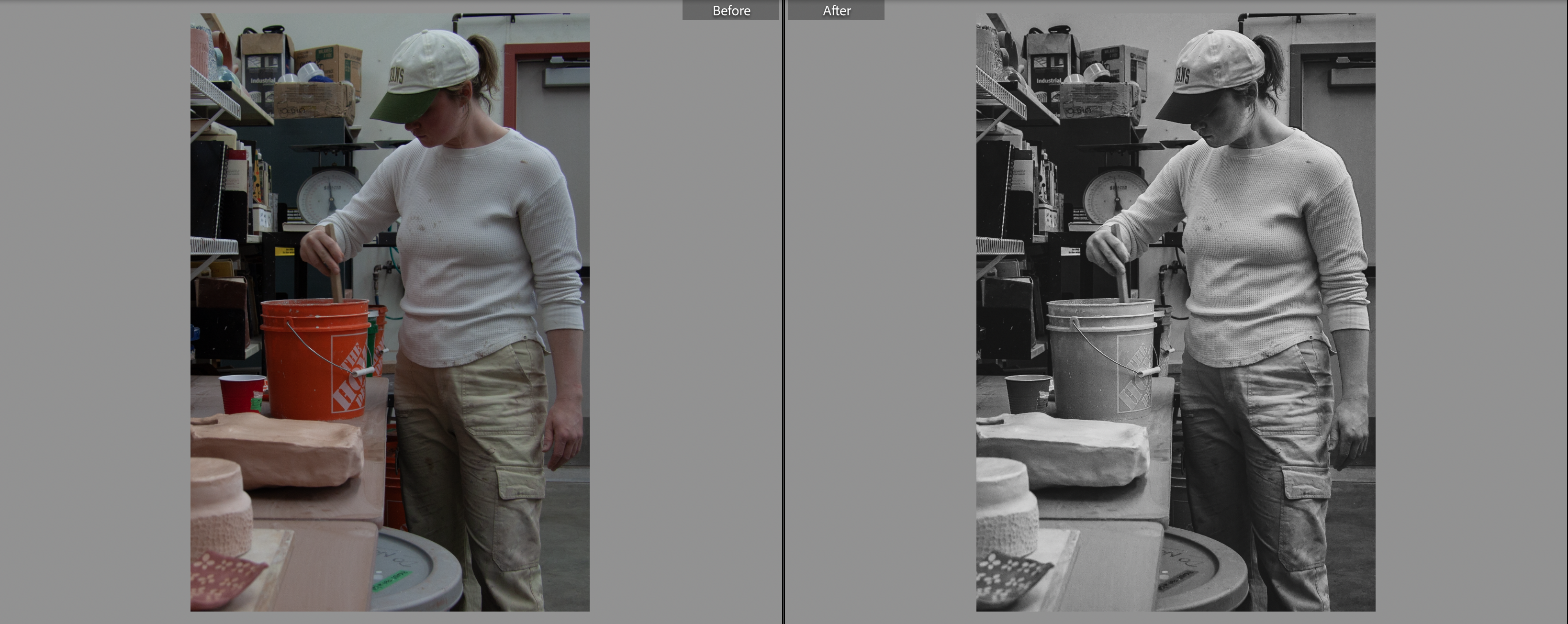
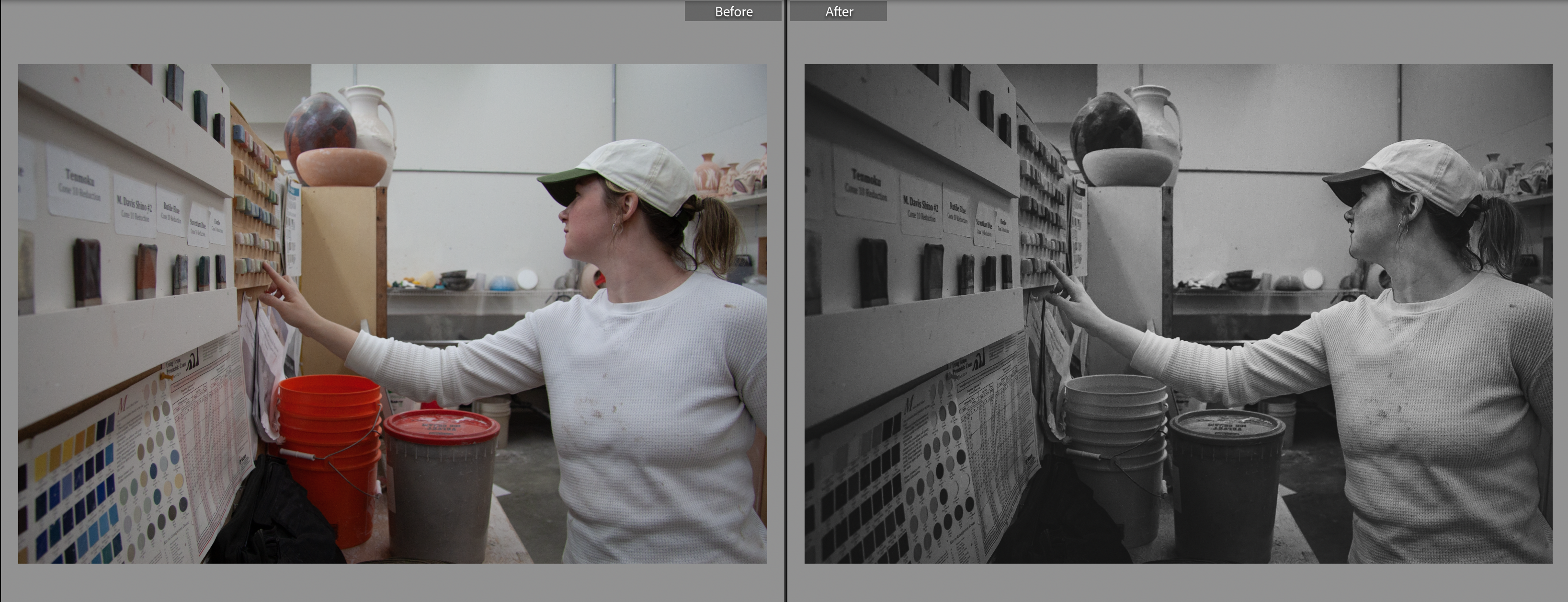
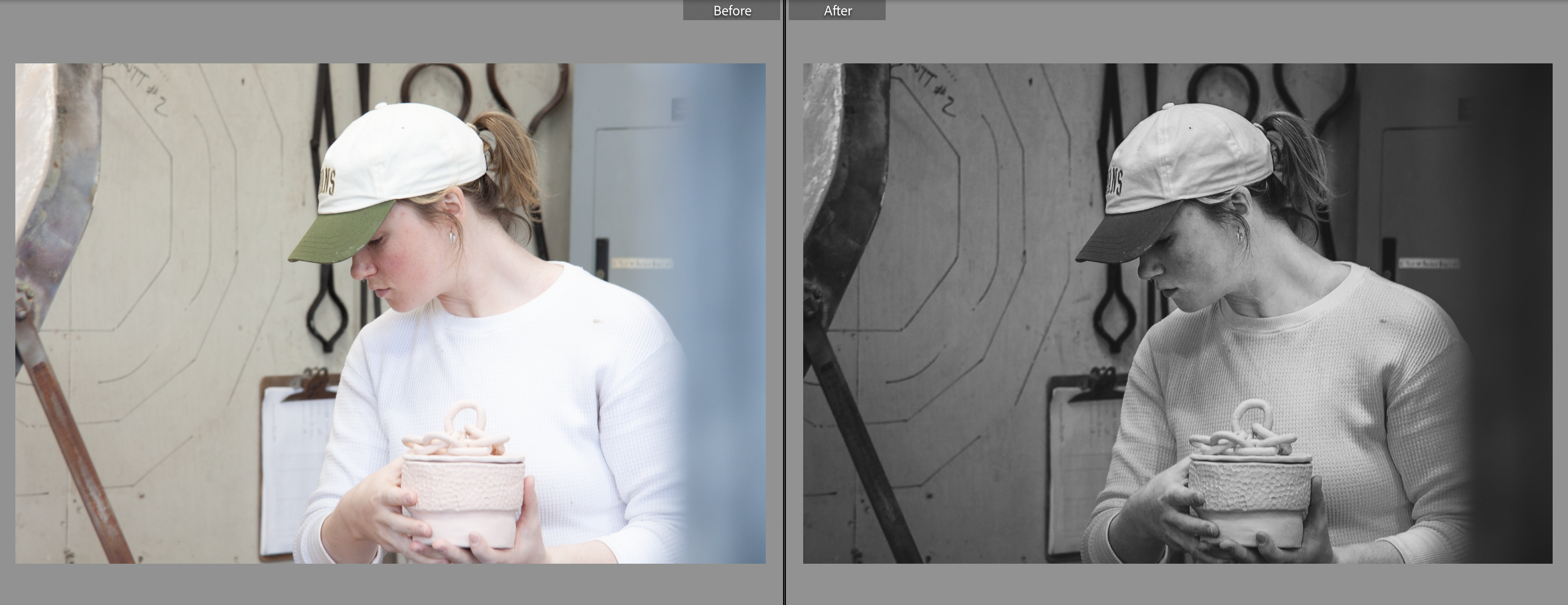
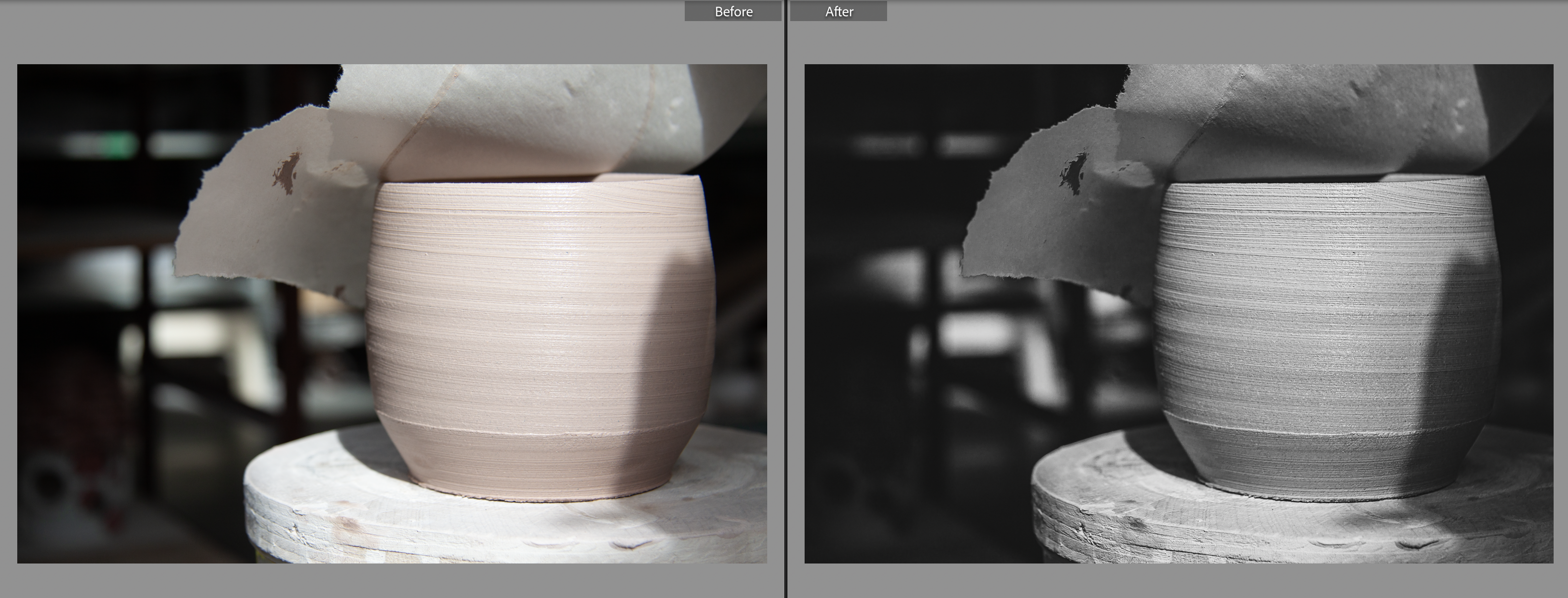
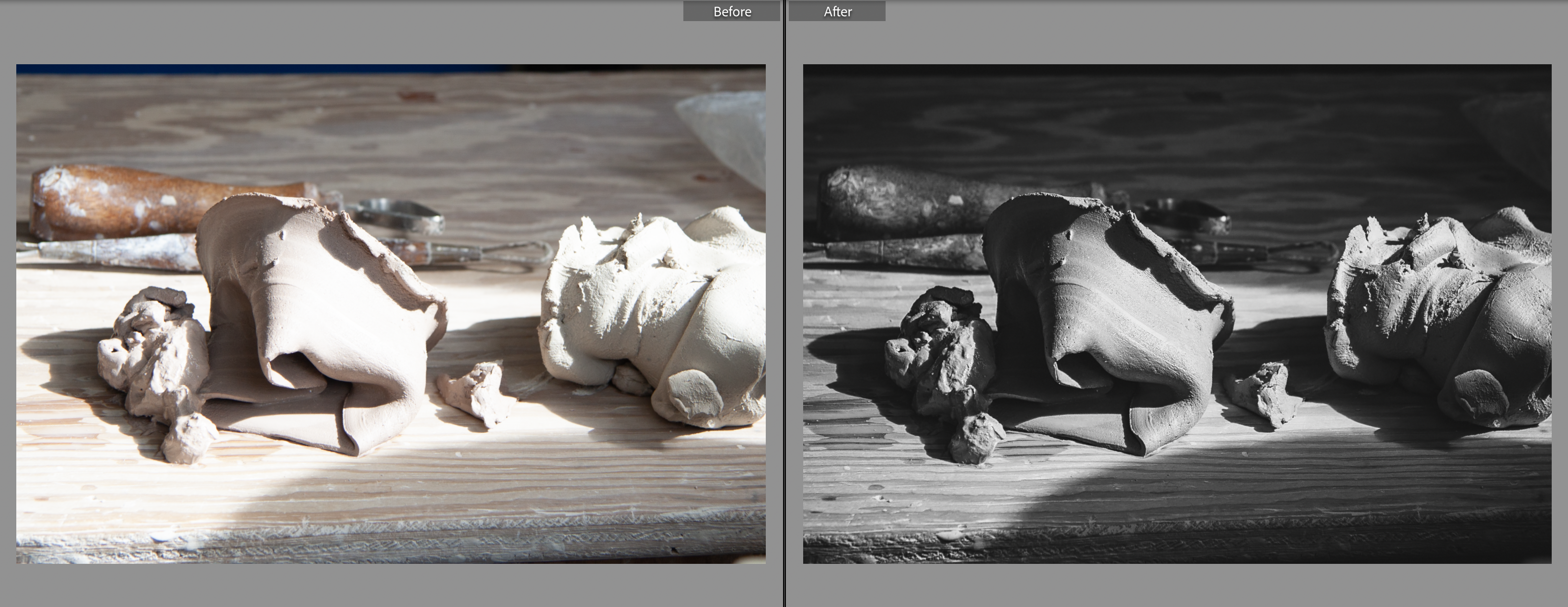
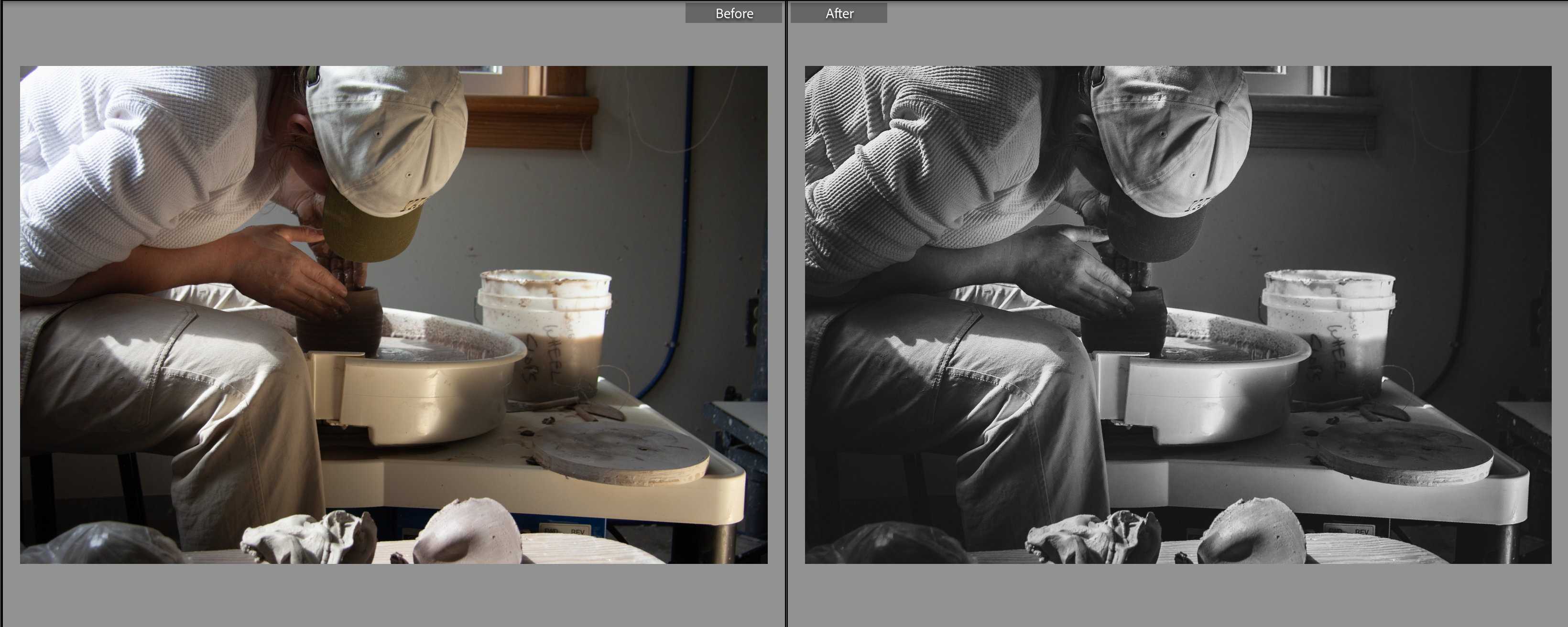
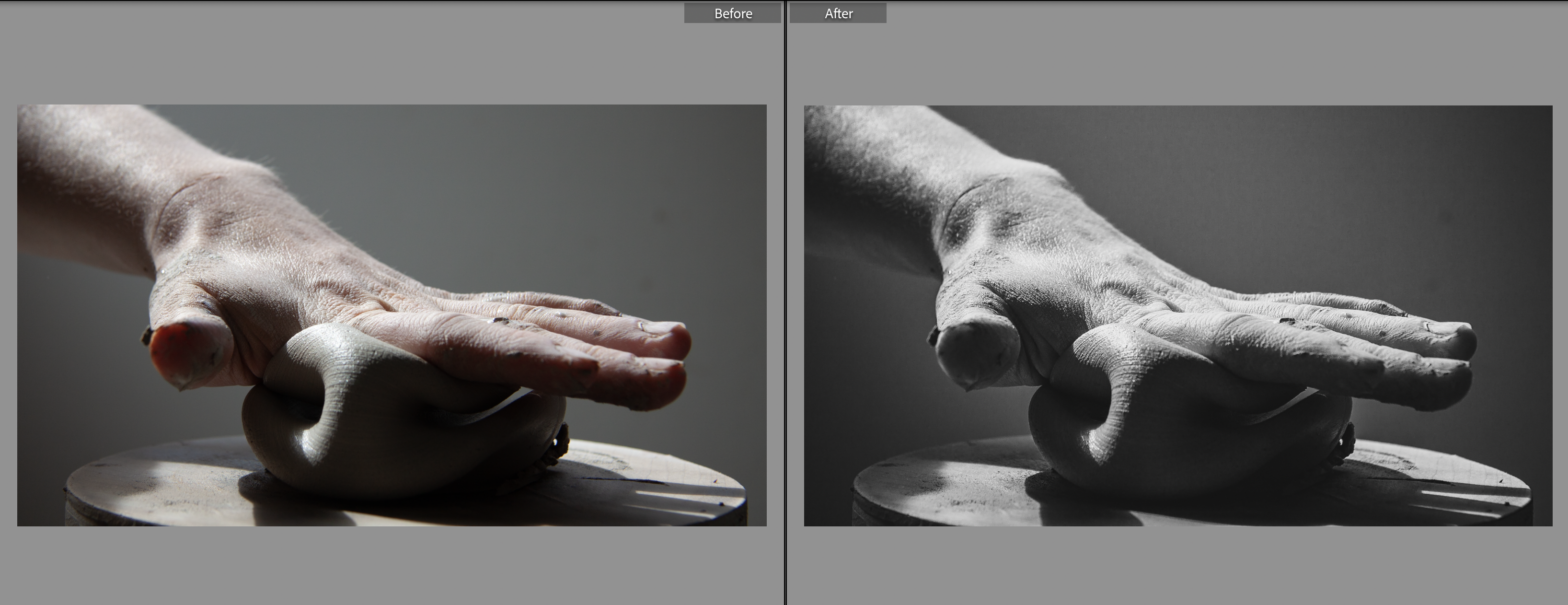
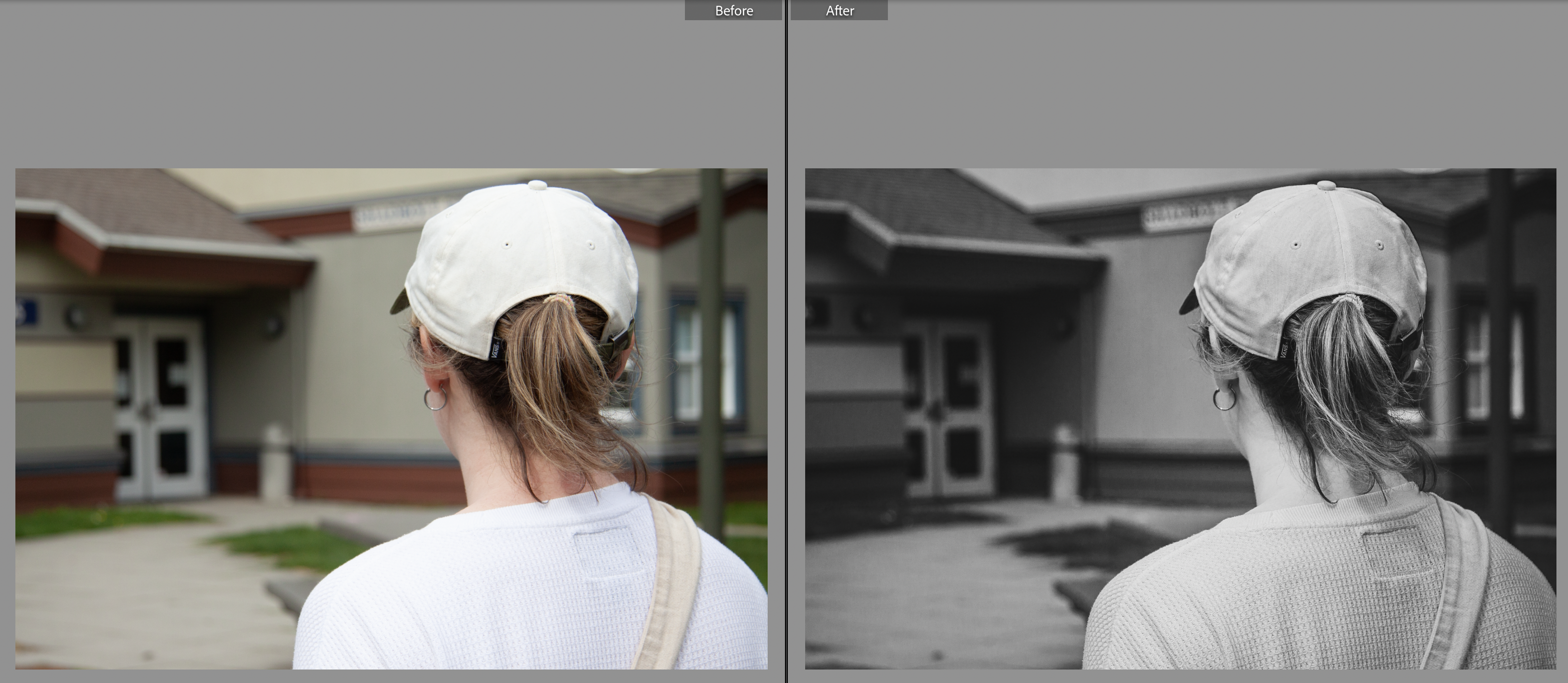
Before and Afters
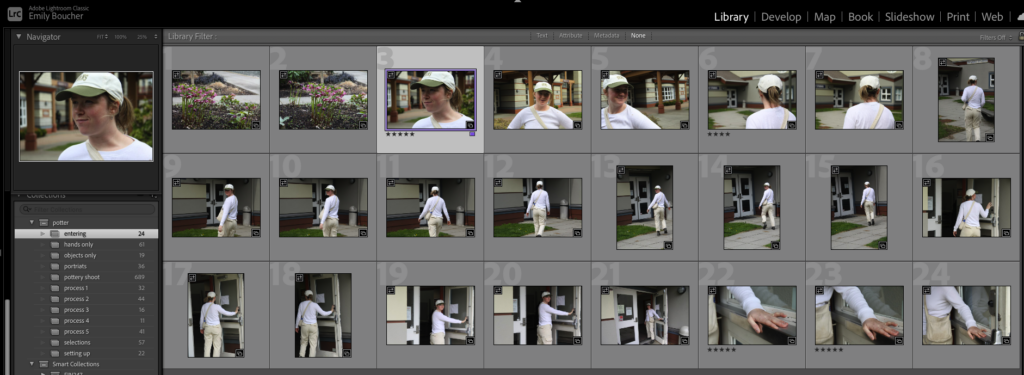
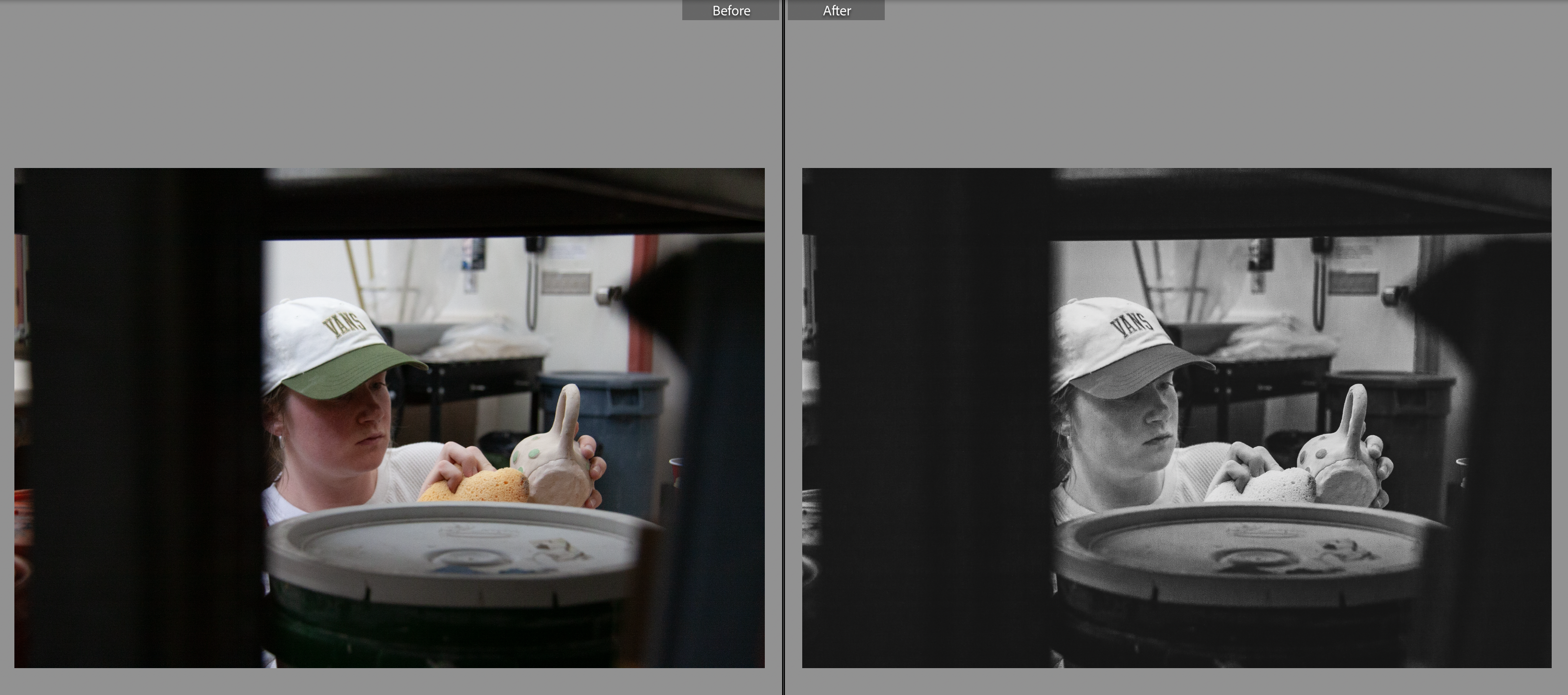
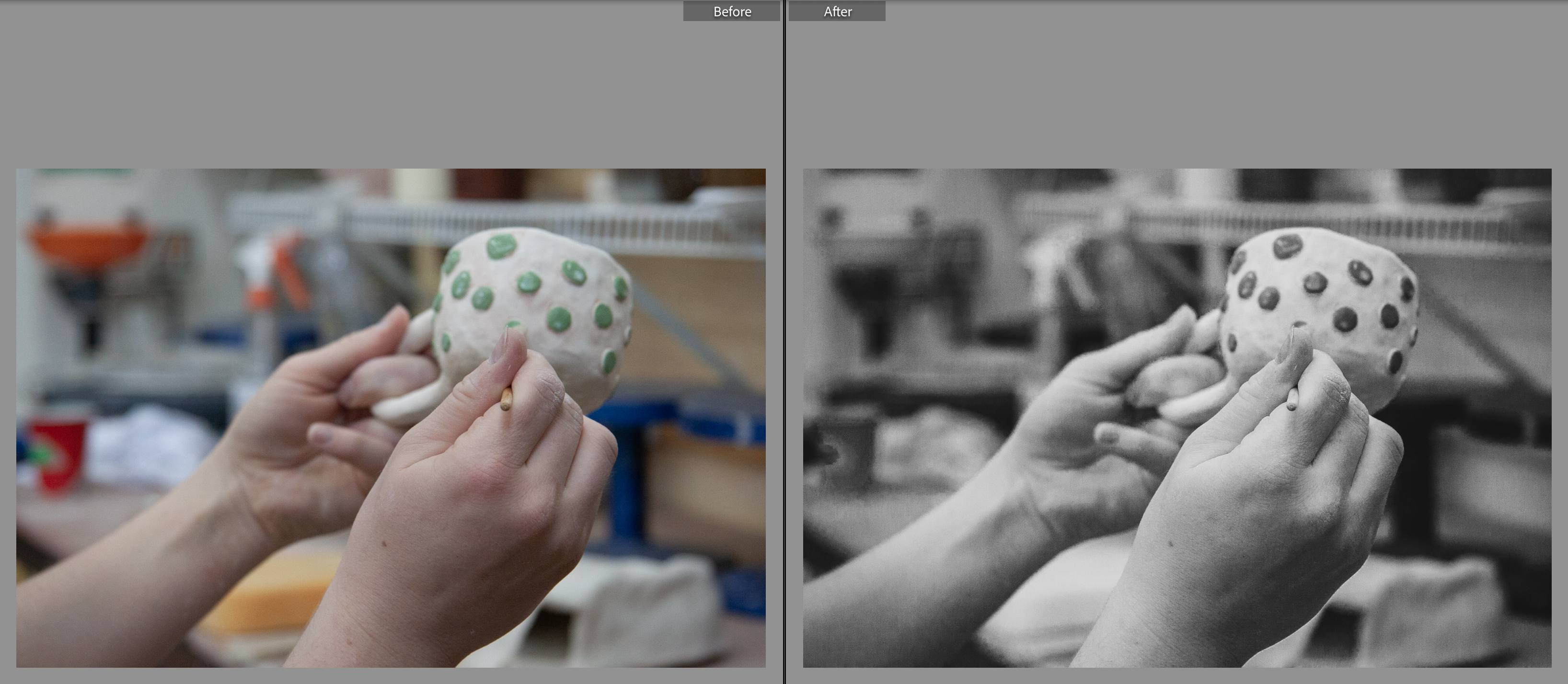
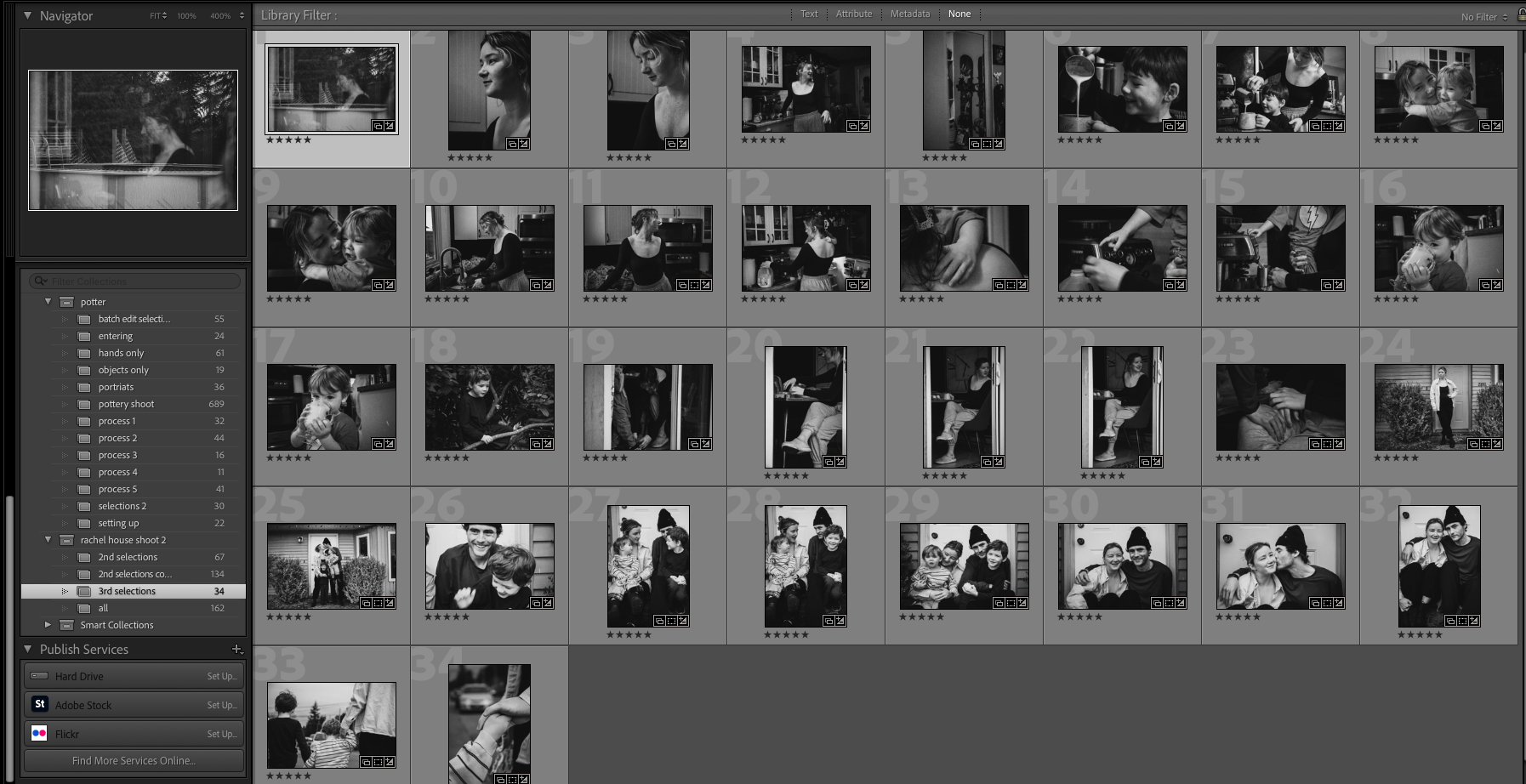
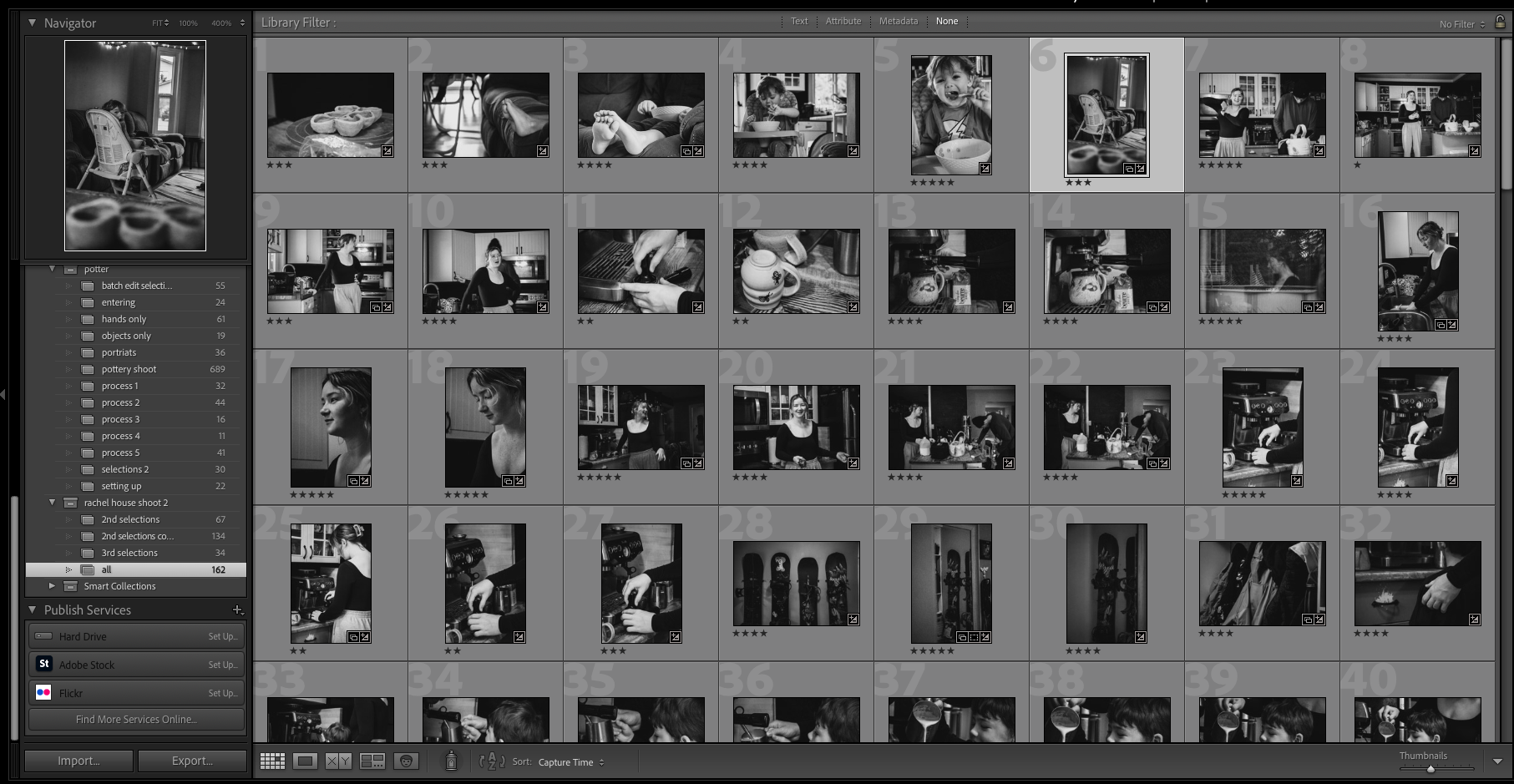
I narrowed down the selection from 700 to 56 to 30 and applied my preset to all 56 through quick develop in the library screen. Once I got it down to 30 I moved into another collection and started editing individually. My work flow consisted of:
- adjusting the white balance (keyboard shortcut W)
- cropping
- adjusting the exposure darker
- masking the subject and increasing exposure, highlights, whites, and blacks, texture, grain, clarity, dehaze, green tone, hue
- masking any dark areas from the hat and increasing exposure slightly
- minor adjustments to tone curve
- based on the outcome of the 30 refined images, i was able to select down to 21… further refinements coming soon!
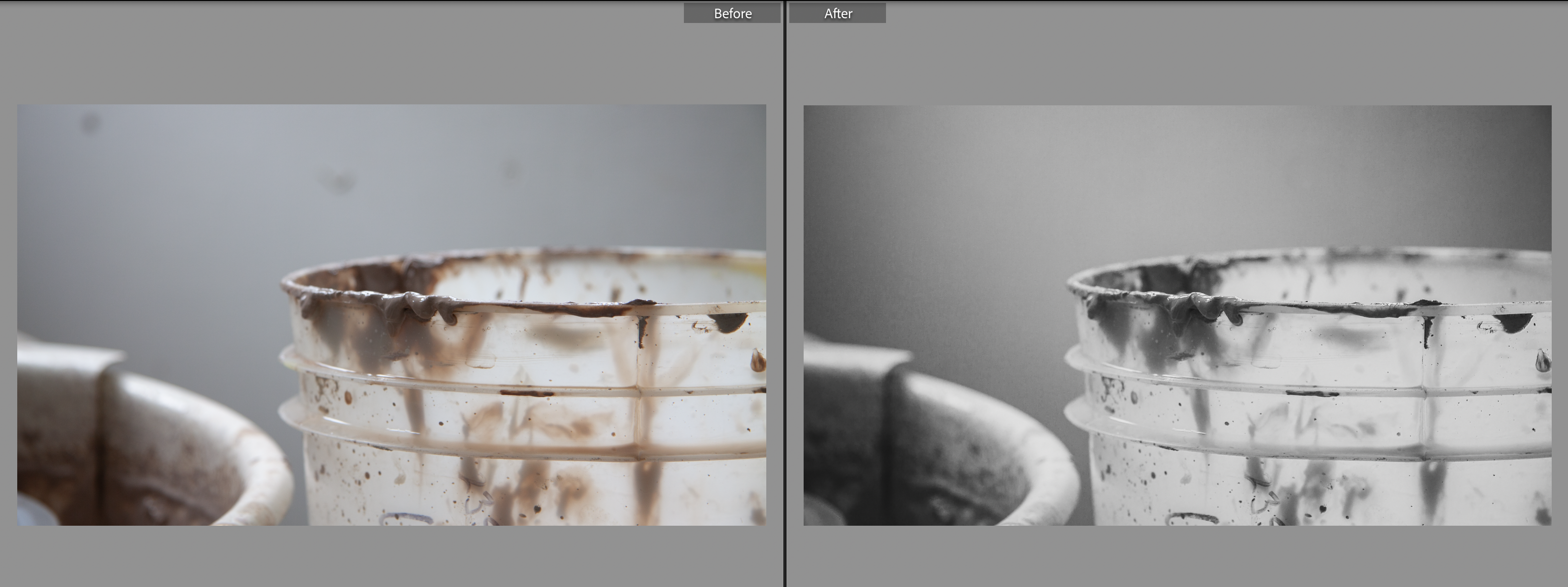
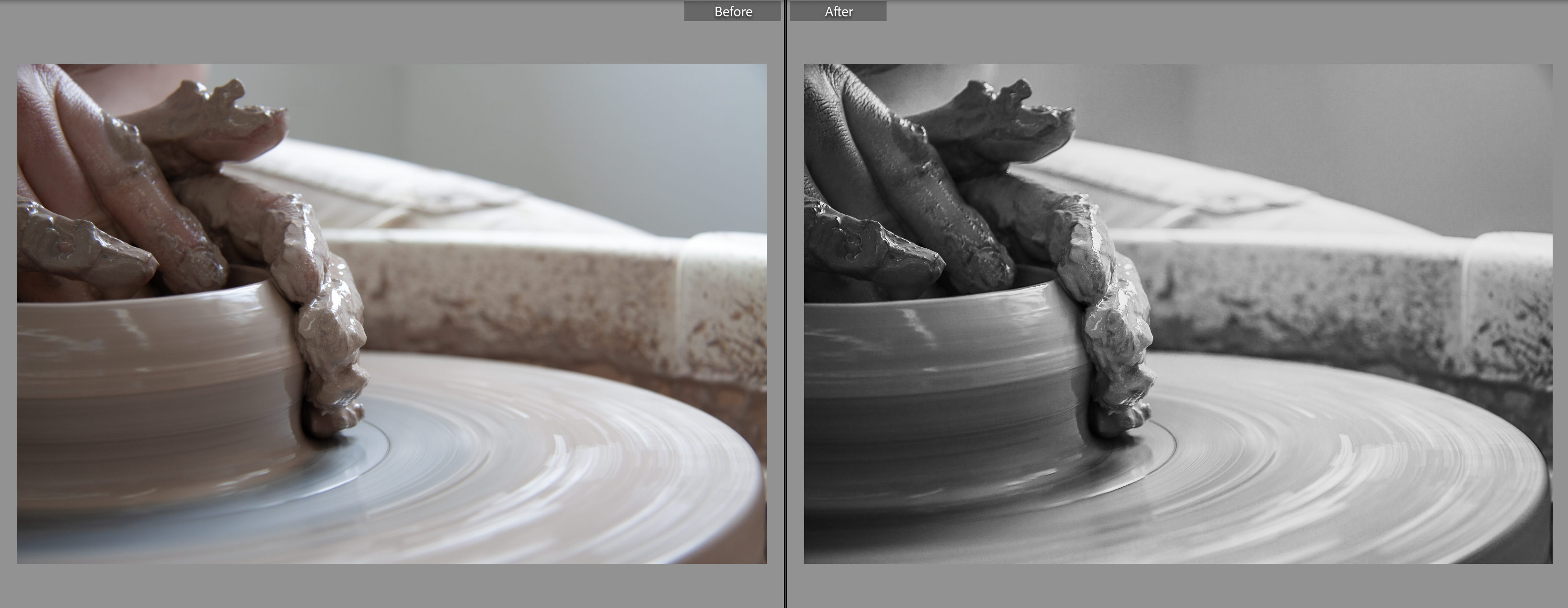
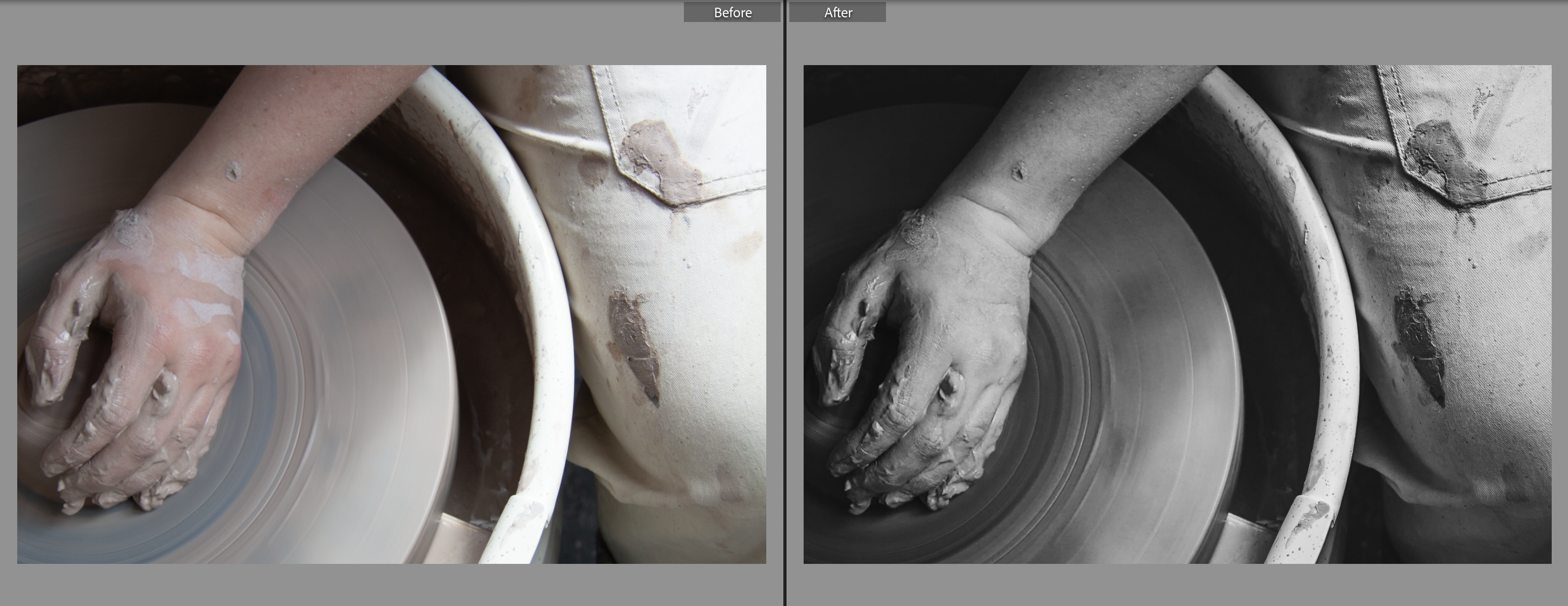
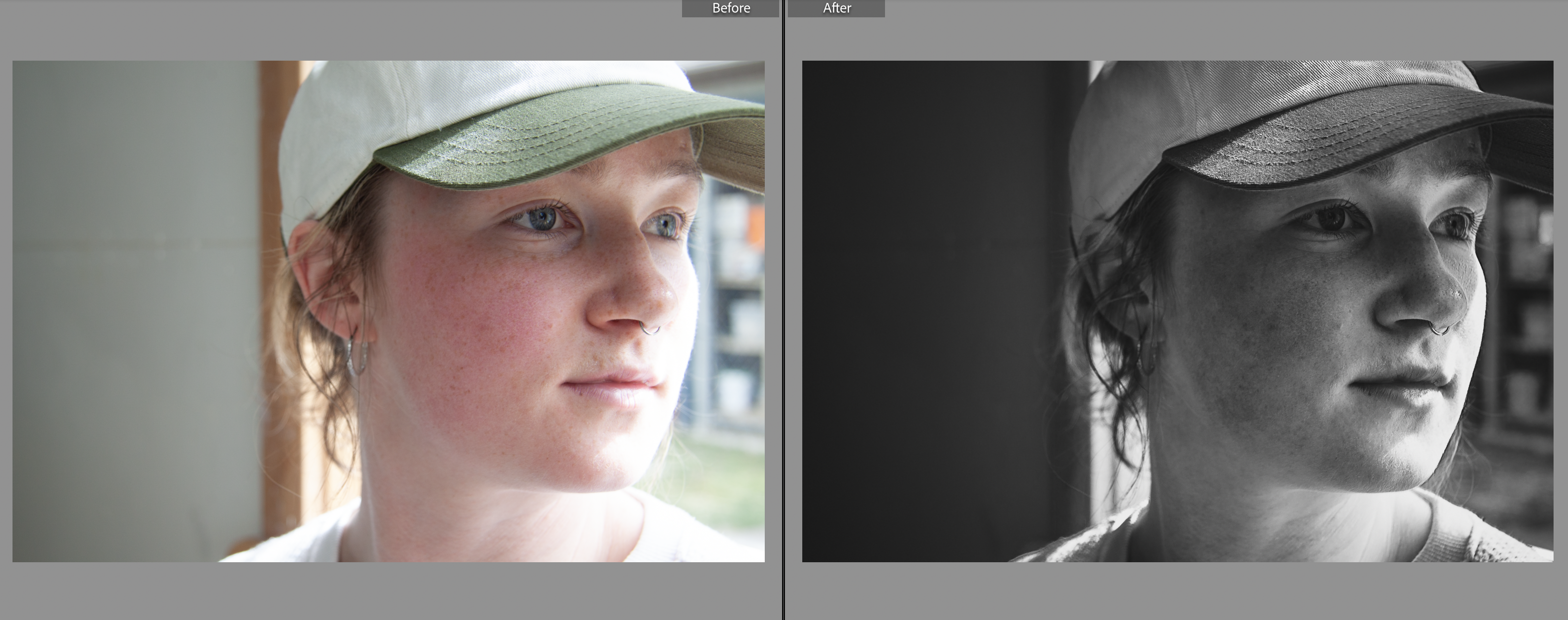
Photoshoot #2
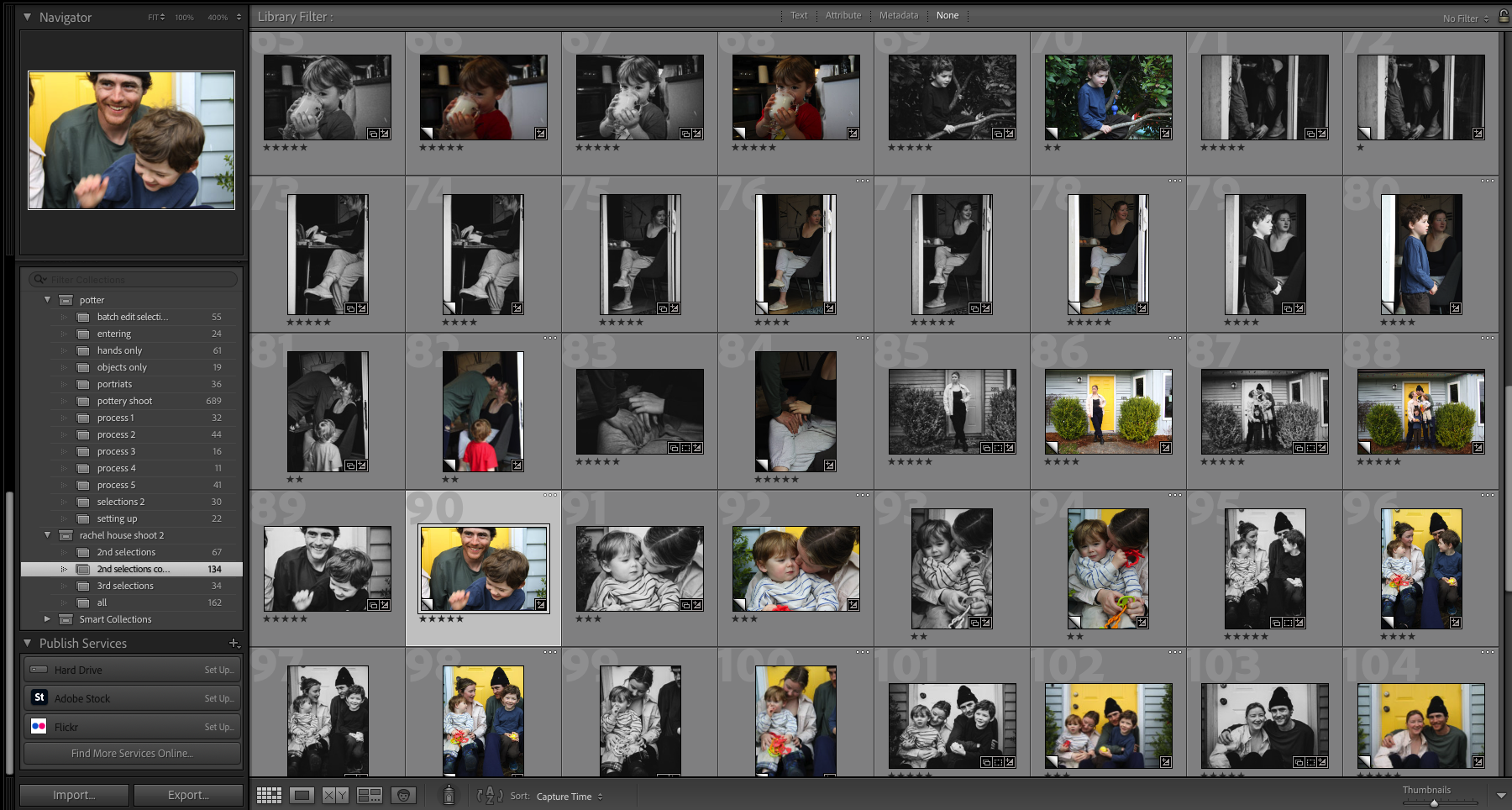
Before and Afters